Replay requests
The Playground allows PromptLayer users to rerun previous LLM requests. Simply click “Open in Playground” on any historical request.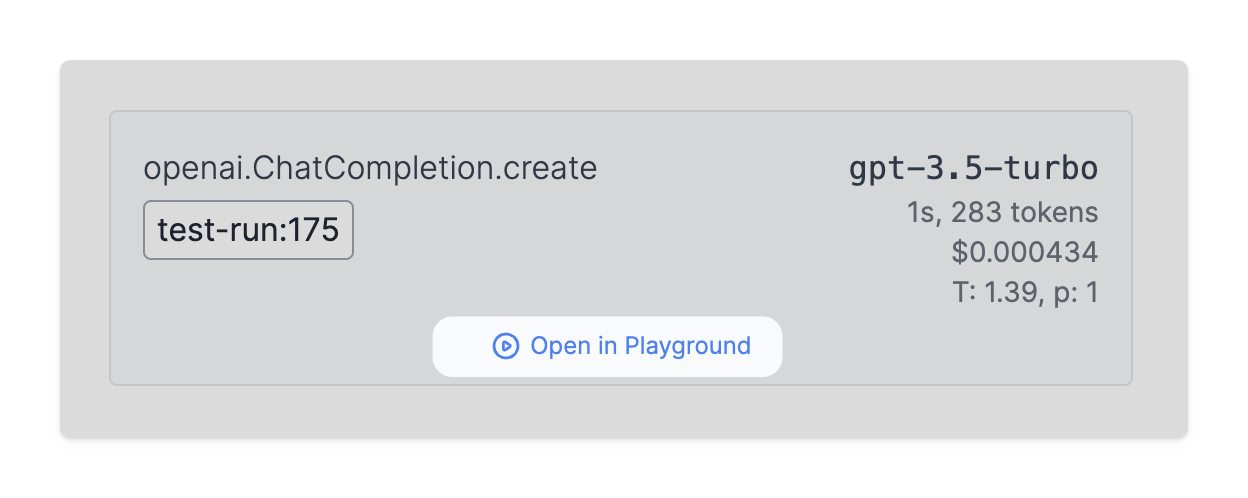
OpenAI Tools
The Playground fully supports OpenAI function calling. These tools can be accessed directly from the Playground interface and can be incorporated into your requests as needed. Not even OpenAI’s playground does this 👀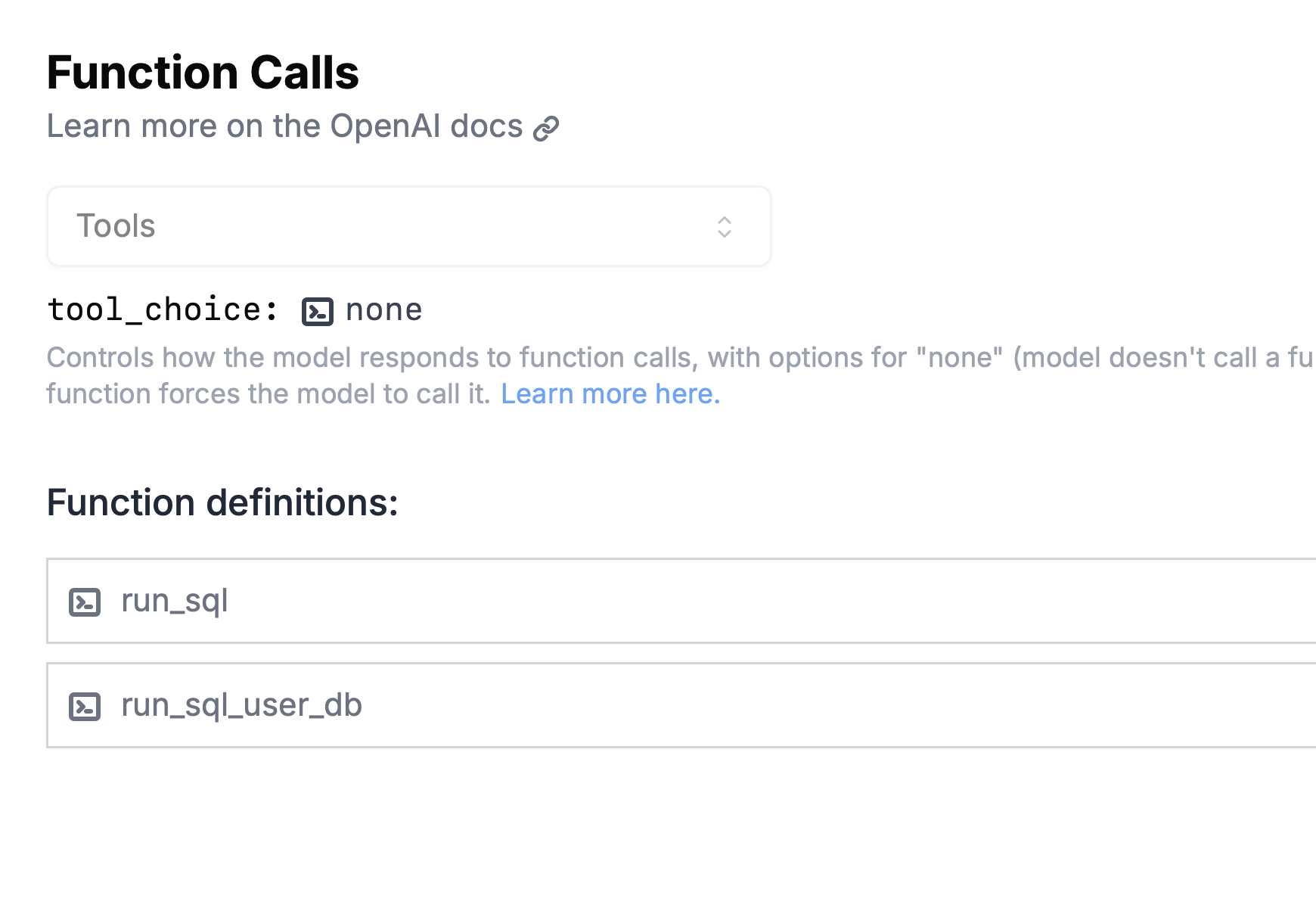
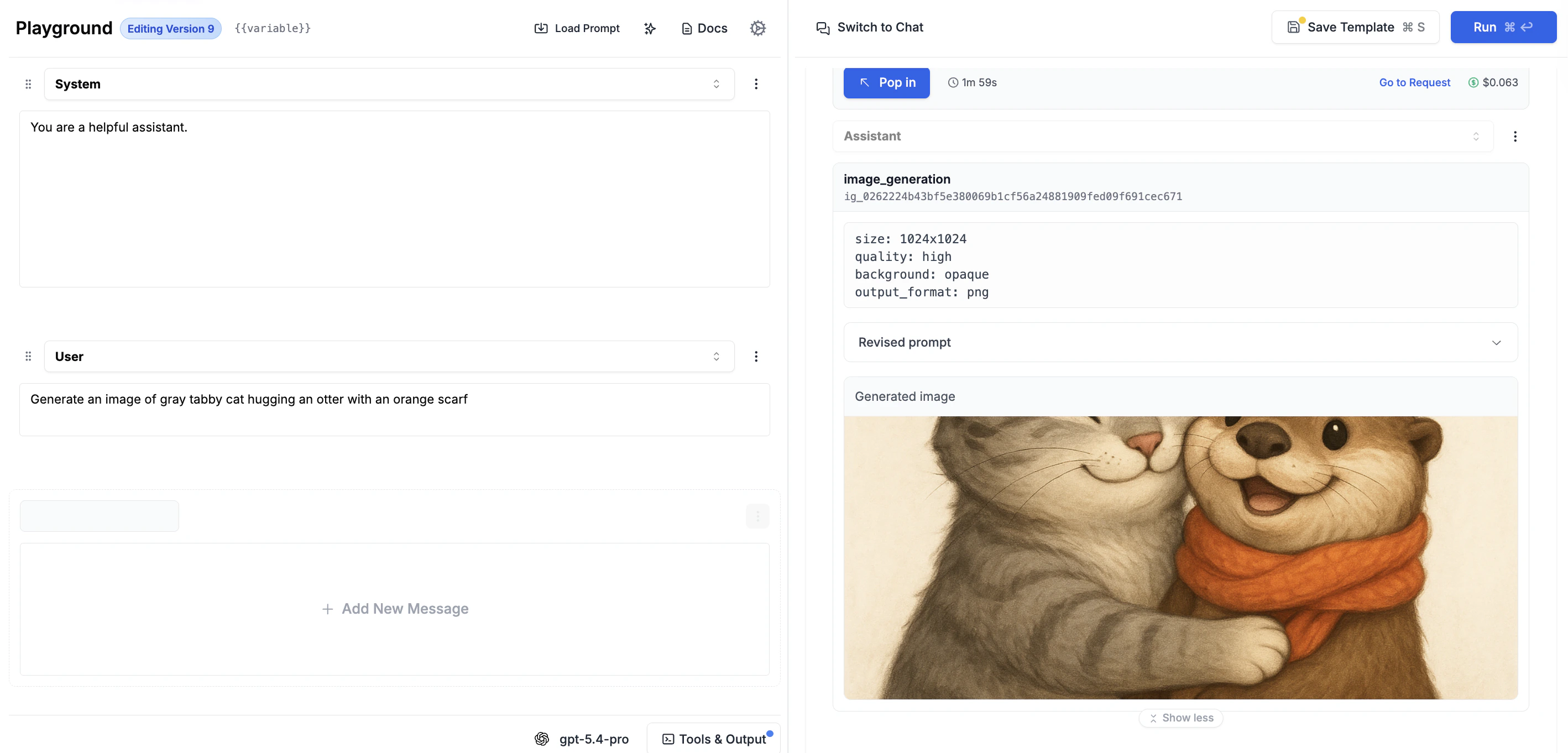
Image Generation
The Playground supports image generation across multiple providers:- OpenAI Images API — Select “Images API” in the API dropdown to use models like
gpt-image-1,dall-e-3, anddall-e-2. Write a text prompt and receive generated images directly in the output. - OpenAI Responses API — Add the
image_generationbuilt-in tool to let the model generate images during a conversation. - Google Gemini — Select a Gemini image model (e.g.,
gemini-2.5-flash-image) to generate images natively within chat responses.