

Sheet anatomy
A sheet contains: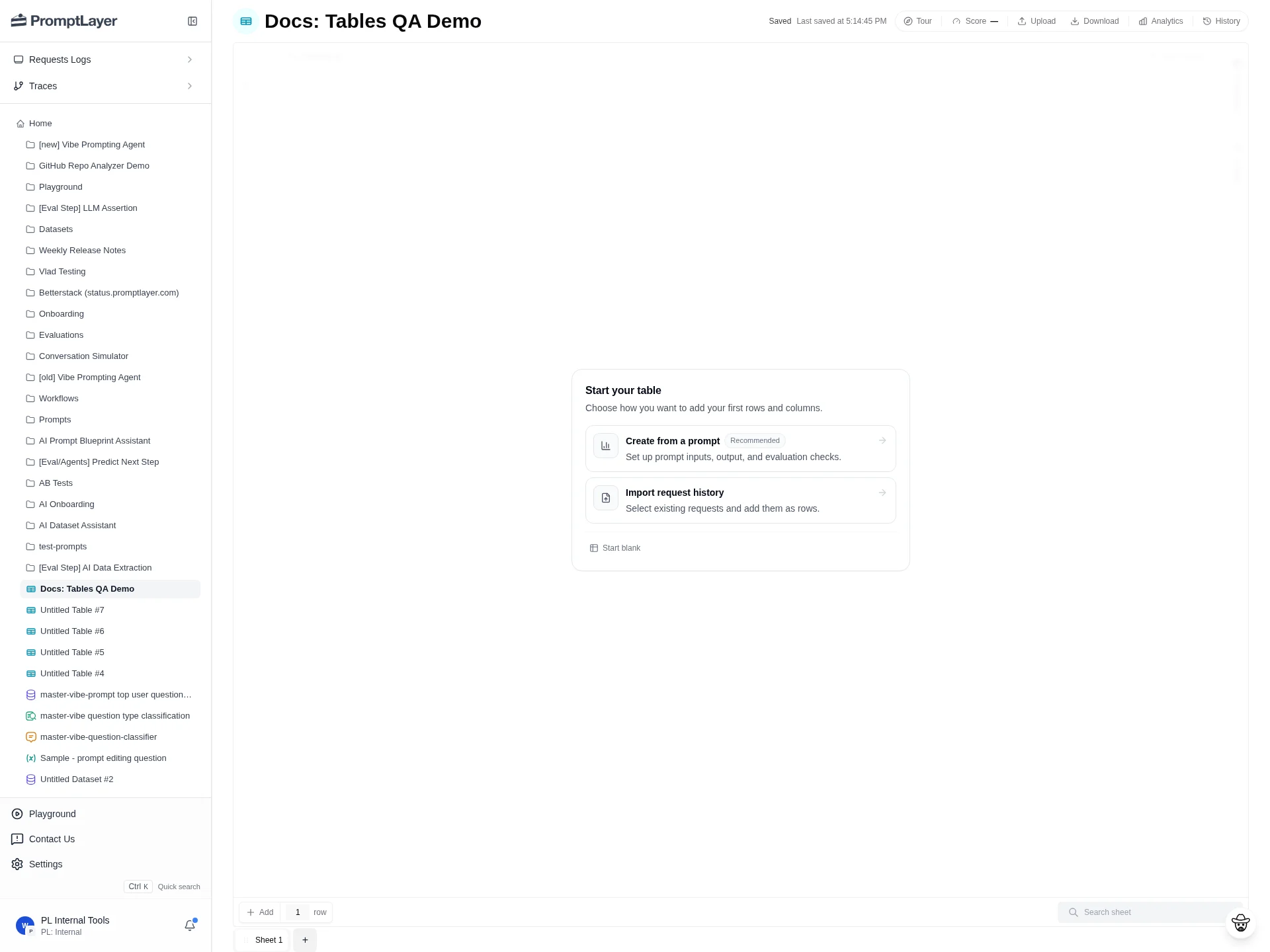
Add rows manually
Each row is one item to run through the sheet. Use the row control at the bottom of the grid to add rows, then fill the input text columns.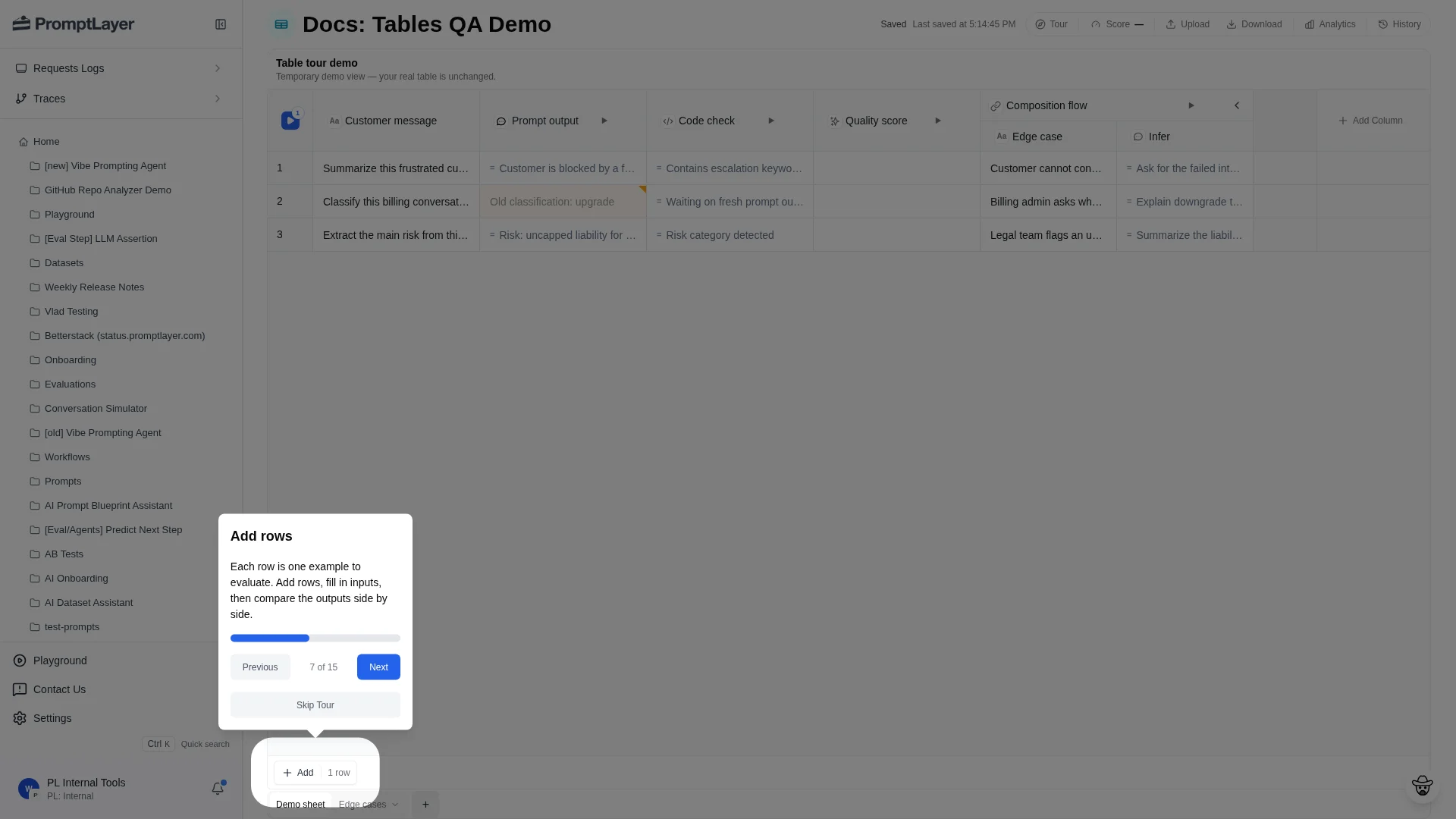
Upload data
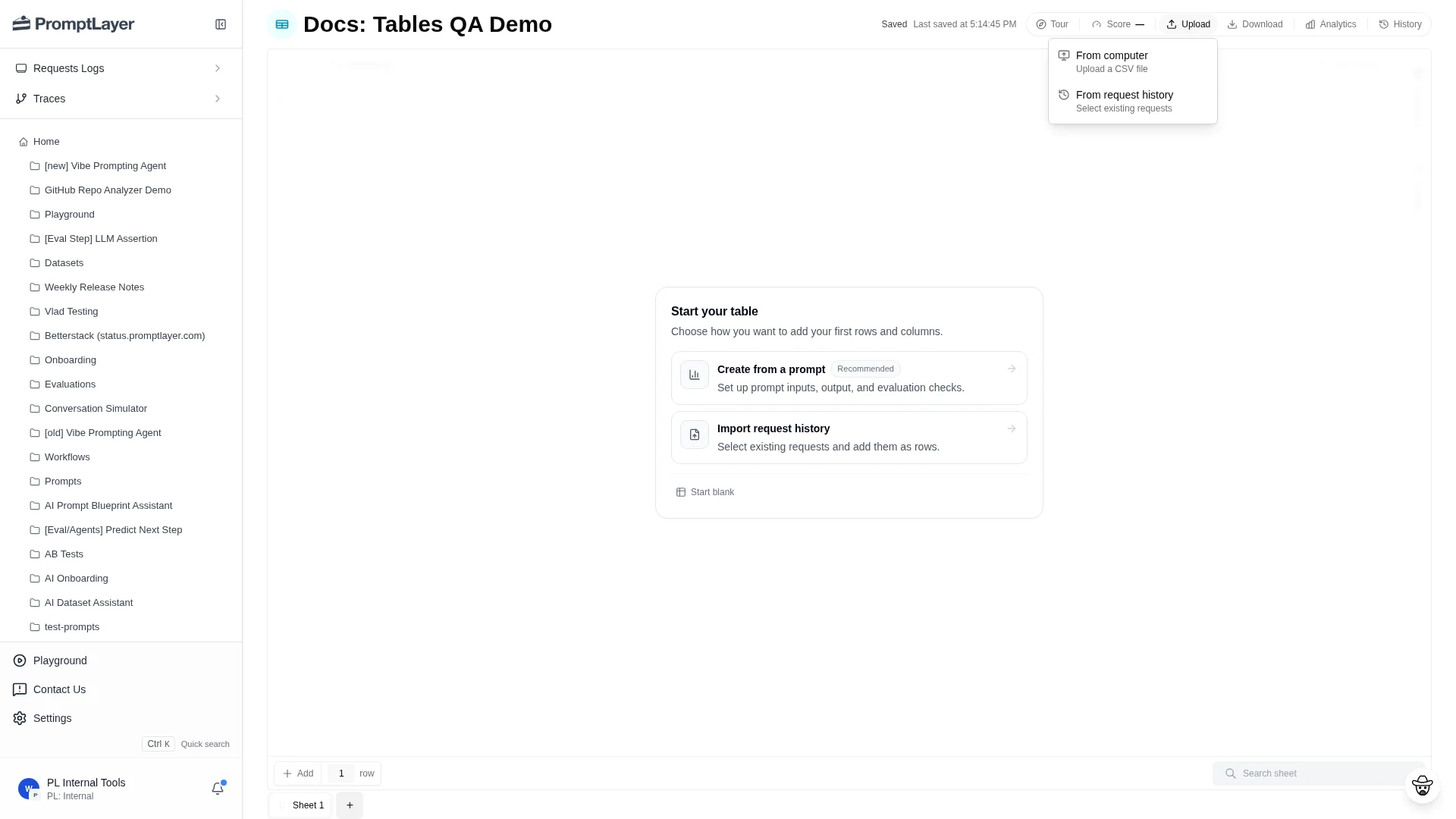
Use Upload when your rows already exist outside PromptLayer. Upload a CSV from your computer or import logged requests from request history.Create a blank sheet via API
When building a table programmatically, you can create an empty sheet without importing data first. If you do not want a defaultSheet 1 when creating the table, pass create_default_sheet: false to Create Table, then call POST /api/public/v2/tables/{table_id}/sheets with an optional title and omit source. The response includes a sheet with a default text column and one empty row. Then add columns and rows incrementally.
This is useful when you want to define the column structure first, then populate rows, without seeding a throwaway file.
Import request history
Choose Upload then From request history to open the request import dialog.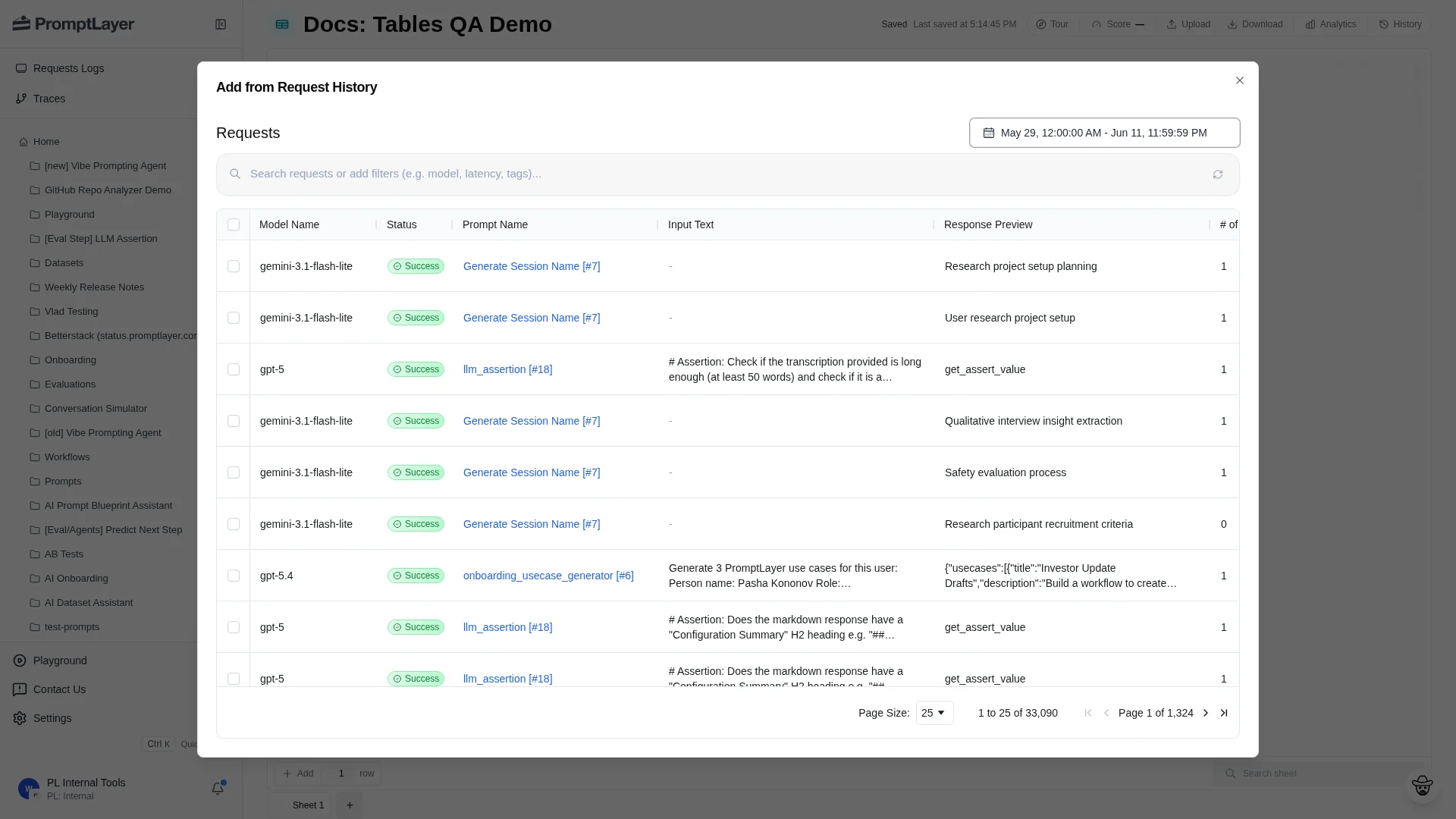
Download a sheet
Click Download in the toolbar to export the current sheet for external review, offline analysis, or a point-in-time snapshot.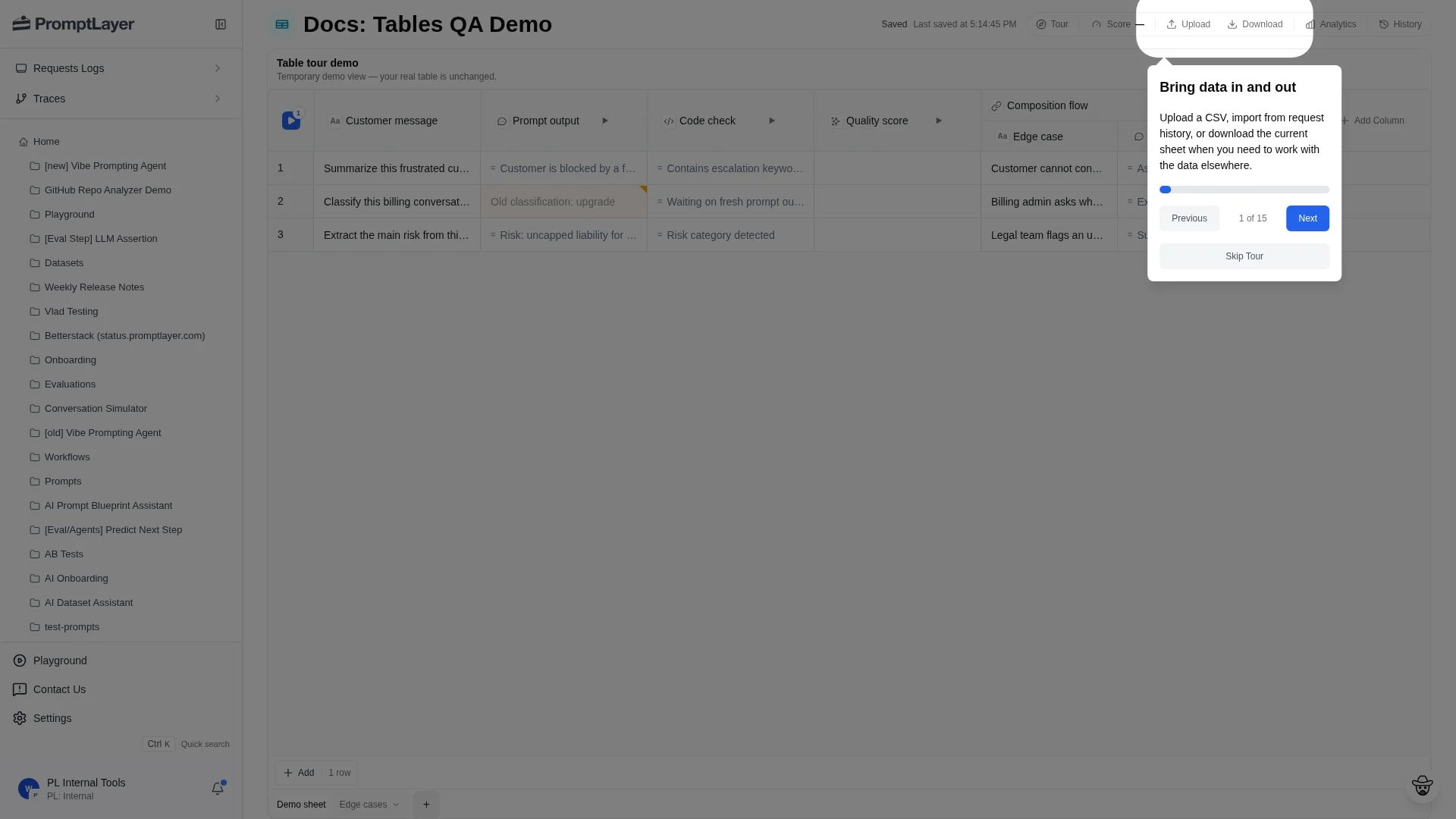
Use multiple sheets
Use the sheet tabs at the bottom of the Table to move between sheets. Each sheet can have different rows, columns, scoring, and history.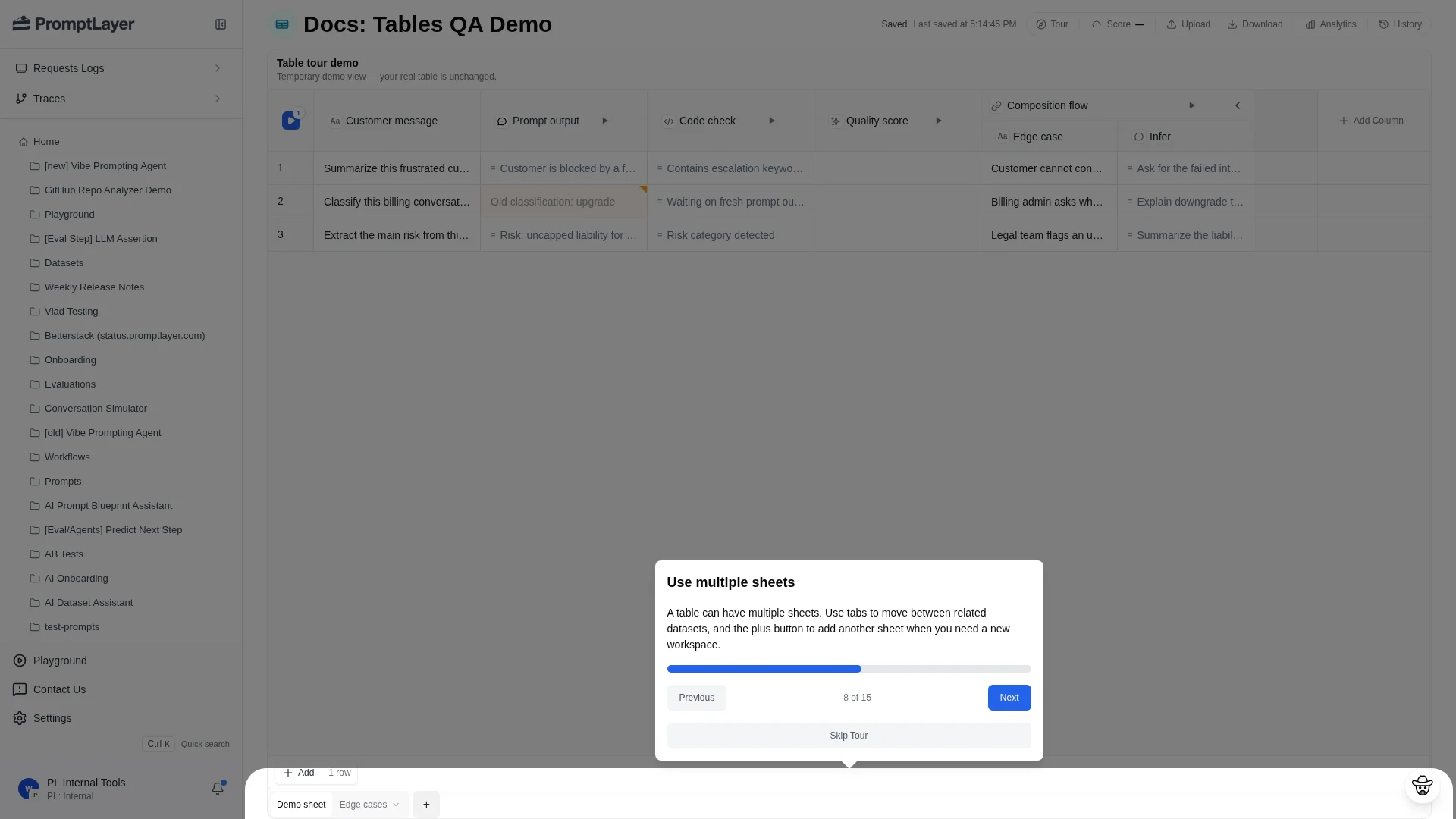
- Main regression set versus edge cases.
- Different task families in the same product area.
- Prompt variants that need different inputs.
- Migration work where the old and new workflows should stay near each other.
- Intermediate sheets that feed composition columns.
API references
Create sheet
Add a sheet to a Table.
List sheets
List the sheets in a Table.
Add rows
Add rows to a sheet programmatically.
Import request logs
Add logged requests to a sheet.