

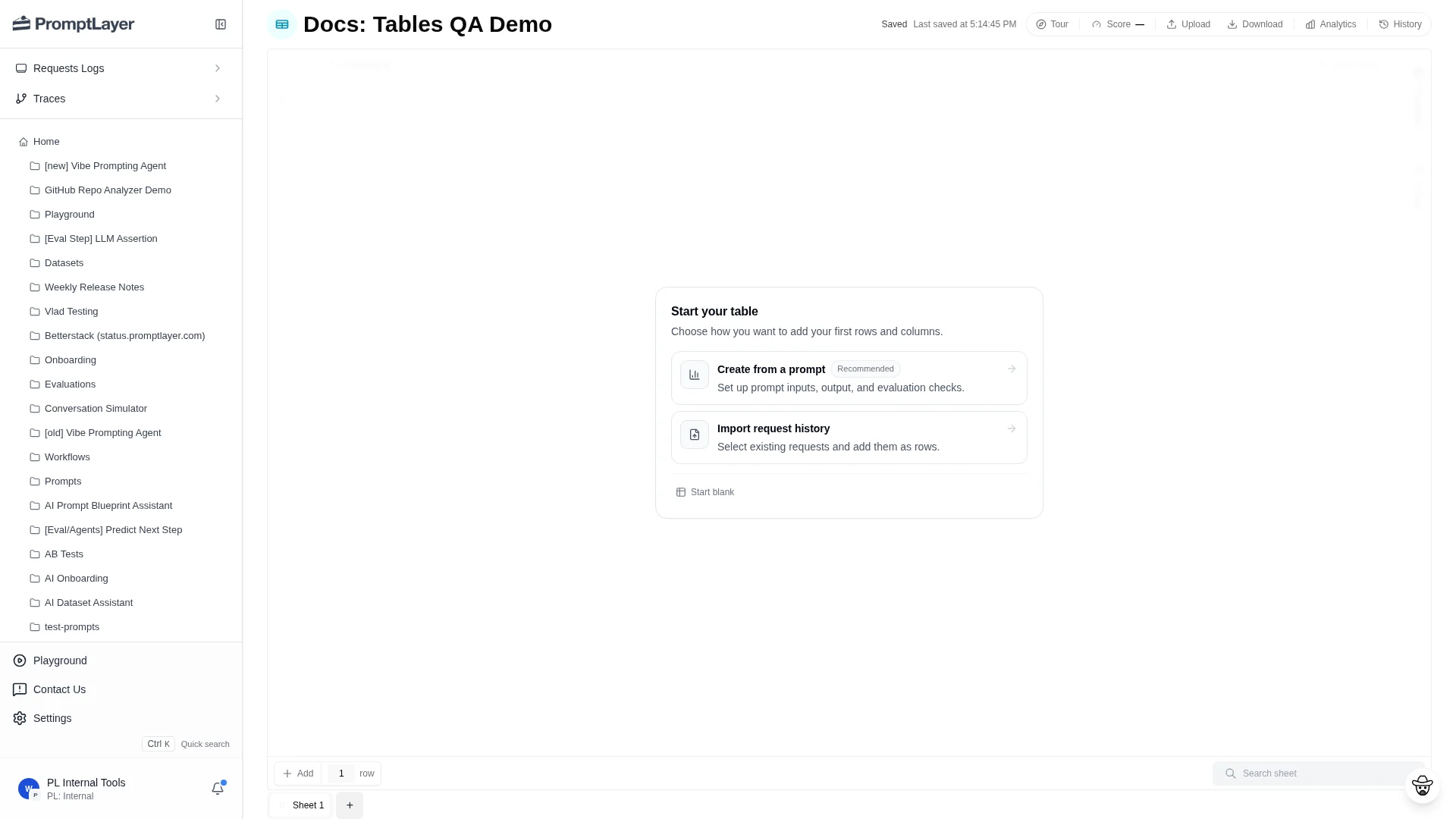
Start a Table
A new Table opens with one sheet, one text column, and one row. The empty state gives three starting points:- Create from a prompt: set up prompt inputs, an output column, and evaluation checks.
- Import request history: select logged requests and add them as rows.
- Start blank: build the sheet manually from rows and columns.
Main workflow
Most Tables follow a simple loop:- Add rows from CSV, request history, or manual entry.
- Add text columns for inputs, labels, expected answers, or metadata.
- Add computed columns for prompts, code, assertions, extraction, comparisons, composition, or helper functions.
- Map computed columns to their sources.
- Run the sheet, a column, a row, or selected cells.
- Review cell status, configure scoring, and use history or analytics to compare changes.
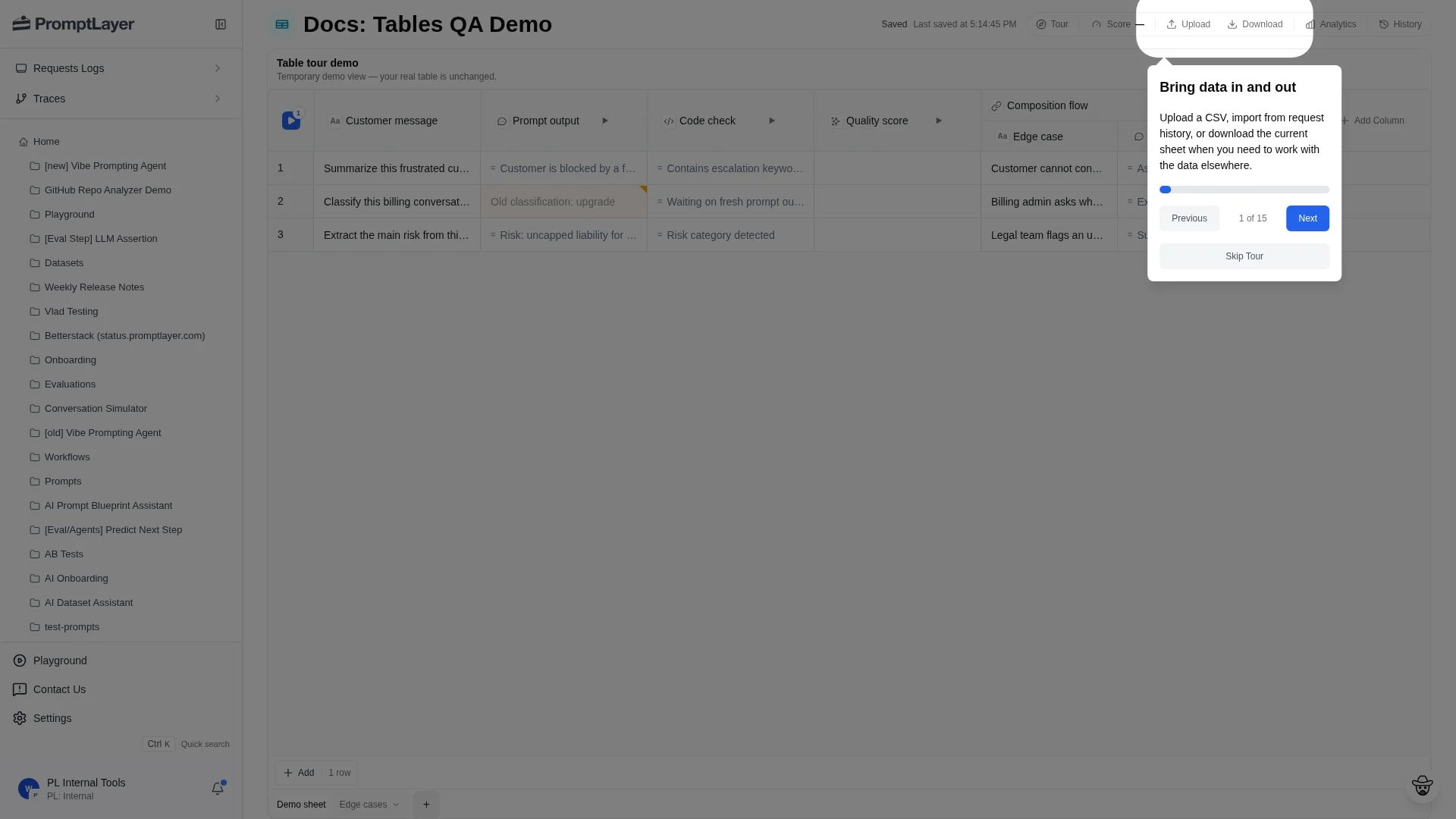
Product sections
Sheets
Import data, manage sheet tabs, add rows, upload CSVs, and import request history.
Columns
Add, configure, filter, sort, pin, duplicate, run, and map source columns.
Column Types
Reference text columns, computed columns, evaluation columns, helper columns, and composition.
Cells and Runs
Understand cell statuses, stale cells, reruns, selected runs, and cancellation.
Scorecards
Define reusable criteria, run evaluations, and inspect row-level evidence.
History and Analytics
Review saved versions, score history, diffs, request analytics, and request-level debugging.
When to use Tables
Use Tables when you need a repeatable workflow over rows of examples: prompt regression tests, request-log replay, dataset creation, model comparisons, multi-step evaluations, human review queues, or batch jobs. Use legacy Evaluations and Datasets only for existing legacy workflows. For new work, start in Tables.API references
Use the Tables API when you want to automate the same actions from code. By default, Create a Table also createsSheet 1 with a Column A text column and one empty row. Pass create_default_sheet: false to create an empty table, then add sheets with Create a sheet.
Create a Table
Create a Table programmatically.
Create a sheet
Add a new sheet to an existing Table.
Create a column
Add text or computed columns to a sheet.
Run an operation
Queue recalculation work for rows, columns, cells, or stale work.