

evaluate(...), see Scorers and Columns.
Most type values (COMPARE, PROMPT_TEMPLATE, LLM_ASSERTION, CODE_EXECUTION, and the helper/eval types below) match the evaluation pipeline and workflow node enums documented in Node & Column Types.
Tables-only: COMPOSITION is not part of the legacy evaluation or workflow node enum. Use it only in Tables to mirror a column from another sheet or table.
Input, reference, and computed columns
Table columns fall into three groups:
Put source data in input columns, then add computed columns left to right for each workflow step. Use composition when multiple sheets should share the same upstream result. See Cells and Runs for status and rerun behavior.
How sources work
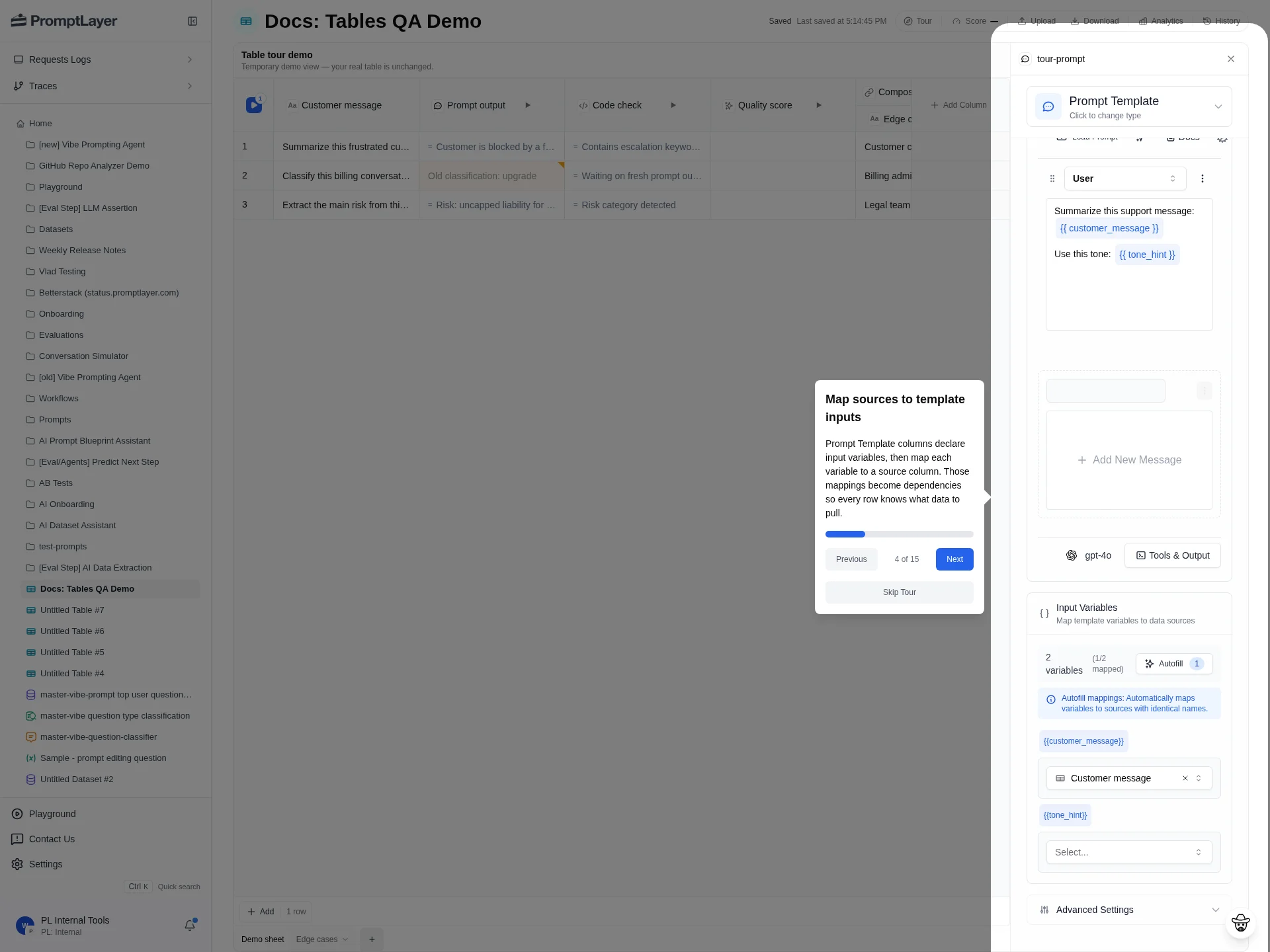
Computed columns read from source columns in the sheet. For example, aPrompt output column can map a prompt variable to Customer message, and a Quality score column can read from Prompt output. If a source changes, dependent computed cells can become stale.
Column type reference
Type values use UPPERCASE enum strings. The UI label is what you see in the column picker.Input column
Reference column
Computed columns
Compute cost notes
Computed columns run once per row (and again on reruns). Cost depends on the column type:- None — Helper columns, simple eval columns,
HUMAN, andCOMPOSITIONdo not call models or external services on their own. - LLM —
PROMPT_TEMPLATE,LLM_ASSERTION,AI_DATA_EXTRACTION,COSINE_SIMILARITY, andCONVERSATION_SIMULATORmake model requests. Prompt Template columns expose per-cell cost, latency, and token metrics. Use History and Analytics to inspect request-level details. - External —
ENDPOINTandMCPcall services outside PromptLayer. Cost depends on your endpoint or MCP server. - Compute —
CODE_EXECUTIONruns server-side code per row. - Variable —
WORKFLOW,FOR_LOOP, andWHILE_LOOPcost depends on the nested steps they execute.
Composition
Composition references a source table, sheet, and column, then pulls that value into the current sheet. Use it when multiple sheets should share a reusable intermediate result instead of copying logic.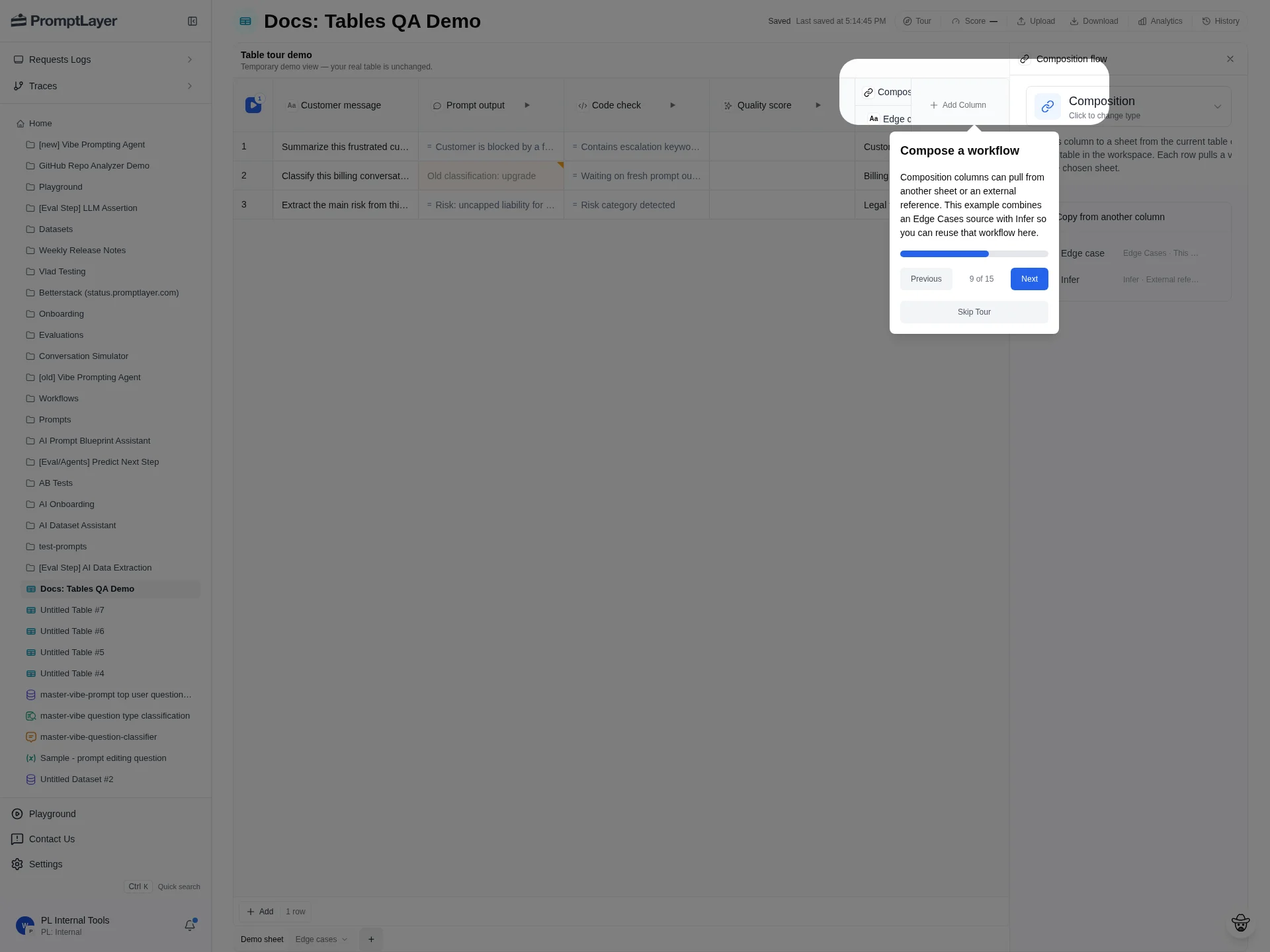
Tables API type values
The Tables REST API uses the same uppercase enum strings as the UI (TEXT, COMPARE, PROMPT_TEMPLATE, COMPOSITION, and so on). Set the specific column behavior in config.
For backwards compatibility, create-column requests also accept lowercase aliases such as text, prompt_template, llm, code, score, comparison, and composition. PromptLayer normalizes these to the uppercase enum before storing the column.
Shared computed types (COMPARE, PROMPT_TEMPLATE, LLM_ASSERTION, CODE_EXECUTION, helper columns, and the rest except TEXT and COMPOSITION) use the same configuration schemas as Workflows and legacy Evaluations. See Node & Column Types for those schemas.
COMPOSITION is Tables-only. Do not use it in legacy evaluation or workflow column definitions.
API references
Use the generated API reference for exact request schemas when creating or updating columns programmatically.Create column
Create text or computed columns.
Update column
Update title, config, and dependencies.