

Cell types
Computed cells track whether their output is ready, pending, failed, or stale.
Cell statuses
QUEUED, DISPATCHED, and RUNNING are pending statuses.
Stale cells
A computed cell becomes stale when a dependency changes, such as a source value, source mapping, column configuration, rerun output, or composition source. Stale cells are highlighted so you can rerun only the work that needs refreshing.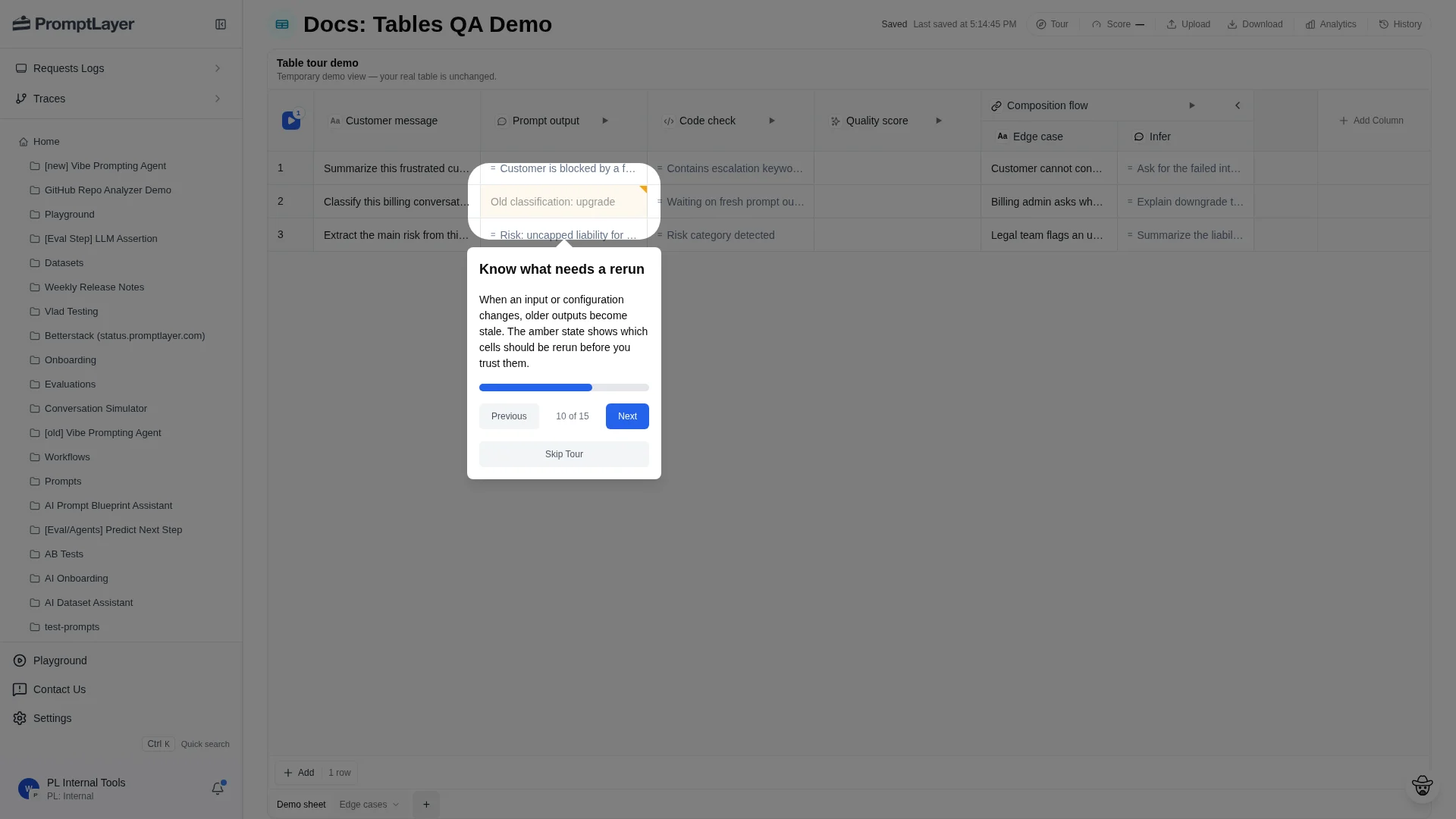
Run scopes
Run the smallest scope that matches what changed.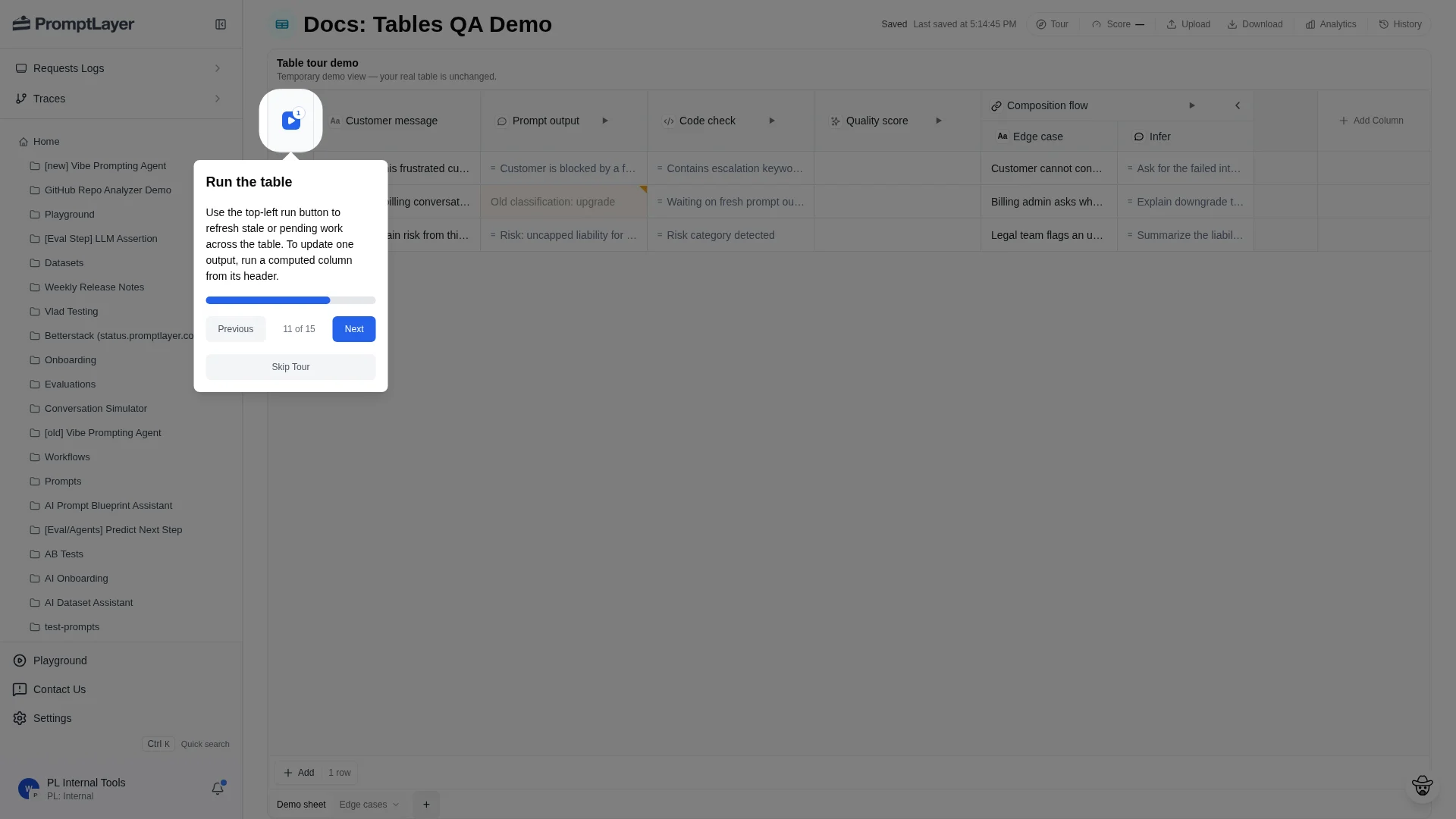
Run selected rows or cells
Select rows or computed cells to run a smaller slice of work. This is useful when only a subset of inputs changed or when you are debugging a few failing examples.Stop or cancel work
Stop or cancel work when a run was started by mistake, the configuration is wrong, or a long-running column should be interrupted. Cancellation is only useful while cells are queued, dispatched, or running.Inspect cells
Open computed cells to inspect outputs, errors, execution details, or prompt request details. Use failed cells to debug configuration or source data, and use stale cells to decide what needs rerunning before scoring.Update cells through the API
Use the API when a job, script, or external workflow should add rows, edit cells, or queue recalculation.Get cell
Read a specific cell.
Update cell
Update an editable cell value.
Recalculate cell
Queue recalculation for a cell.
Create operation
Queue broader row, column, cell, or stale work.