

Add a column
Click Add Column to add a new field to the sheet.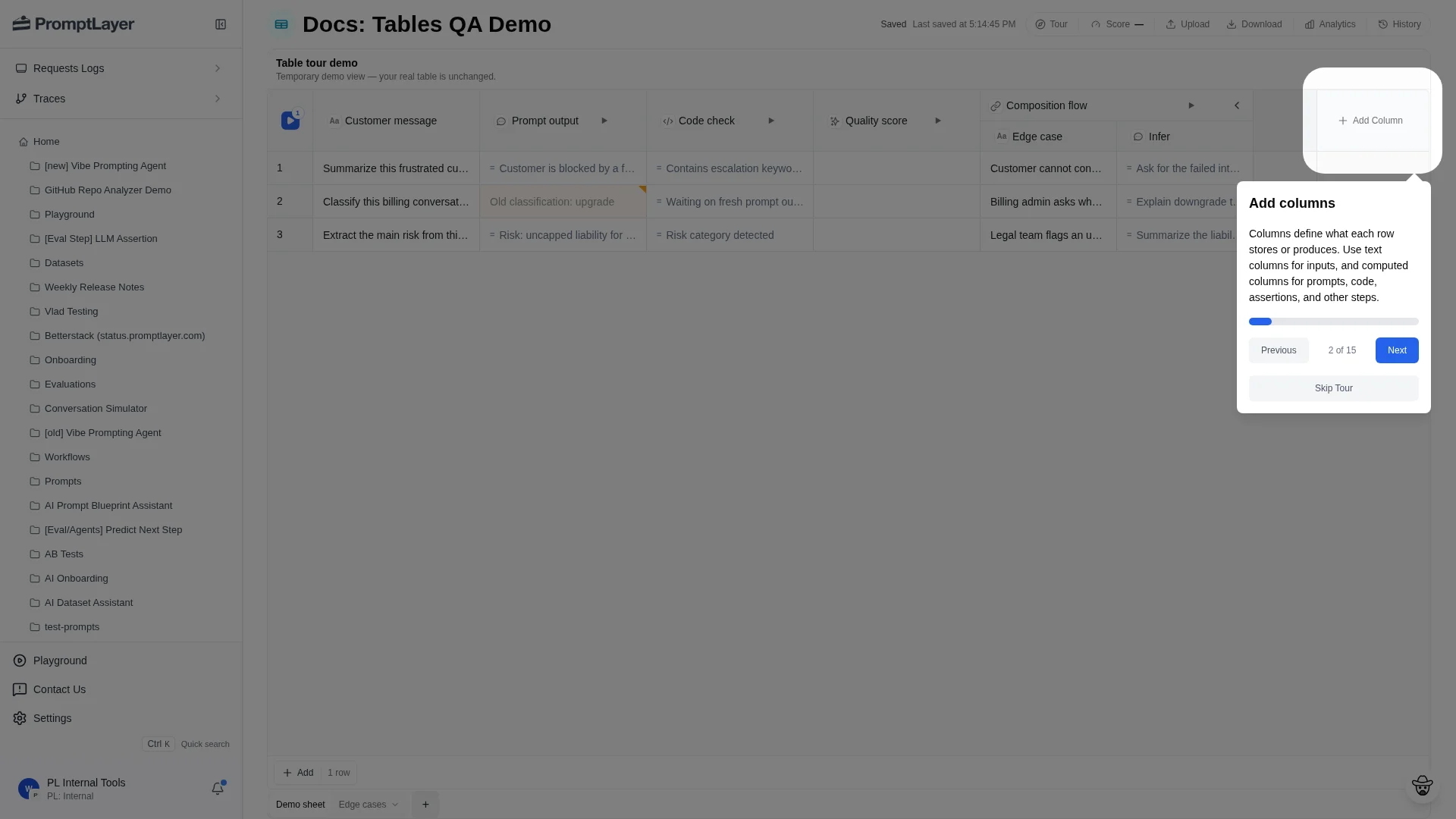
Choose a computed type
Use one computed column per logical step: prompt or workflow execution, code, deterministic checks, LLM evaluation, helper transforms, or composition.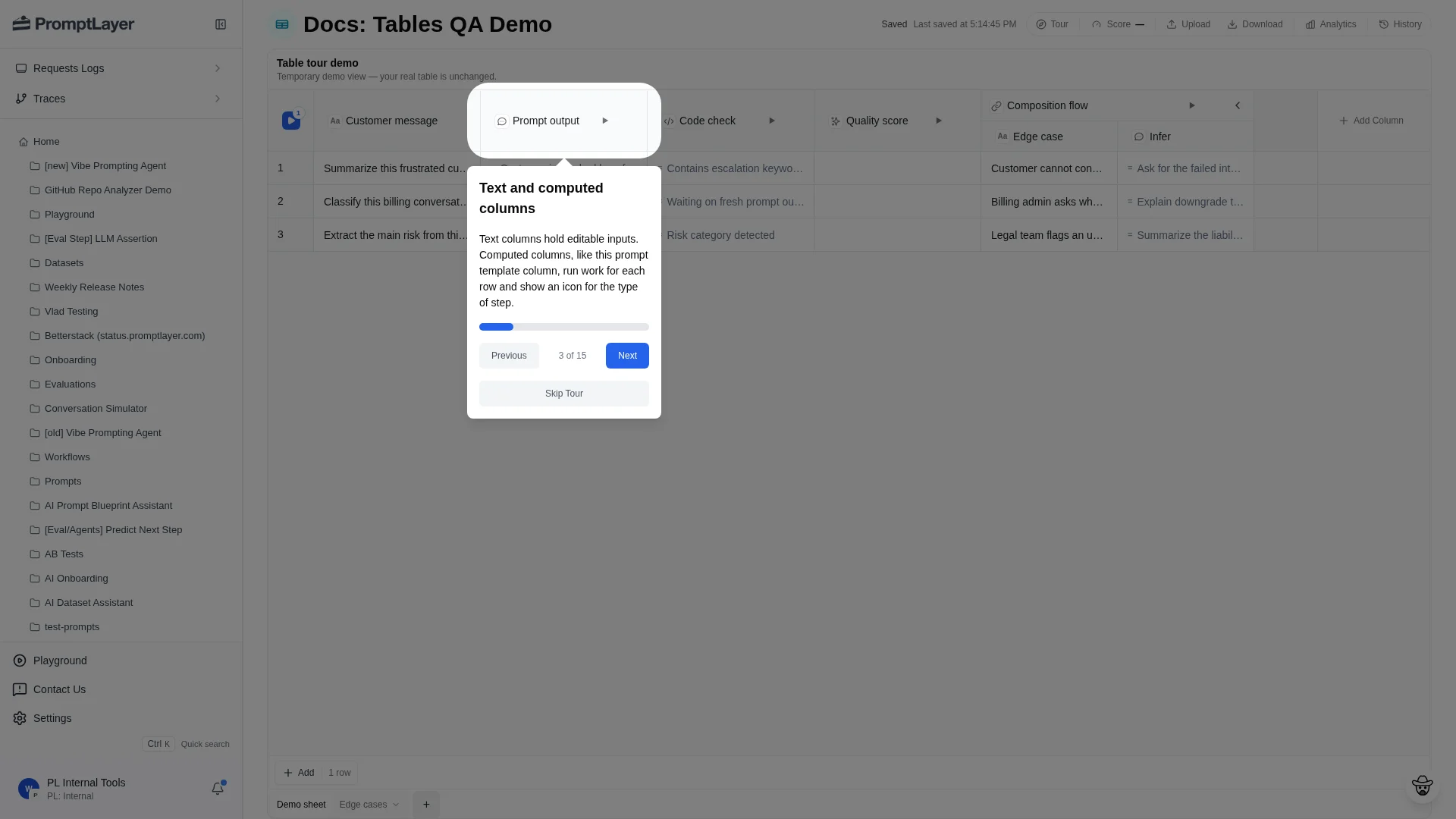
Configure a column
Open a column menu and choose Configure column to edit its settings.
Map sources
Computed columns read from source columns. A Prompt Template column, for example, exposes the prompt’s input variables and lets you map each variable to a source column.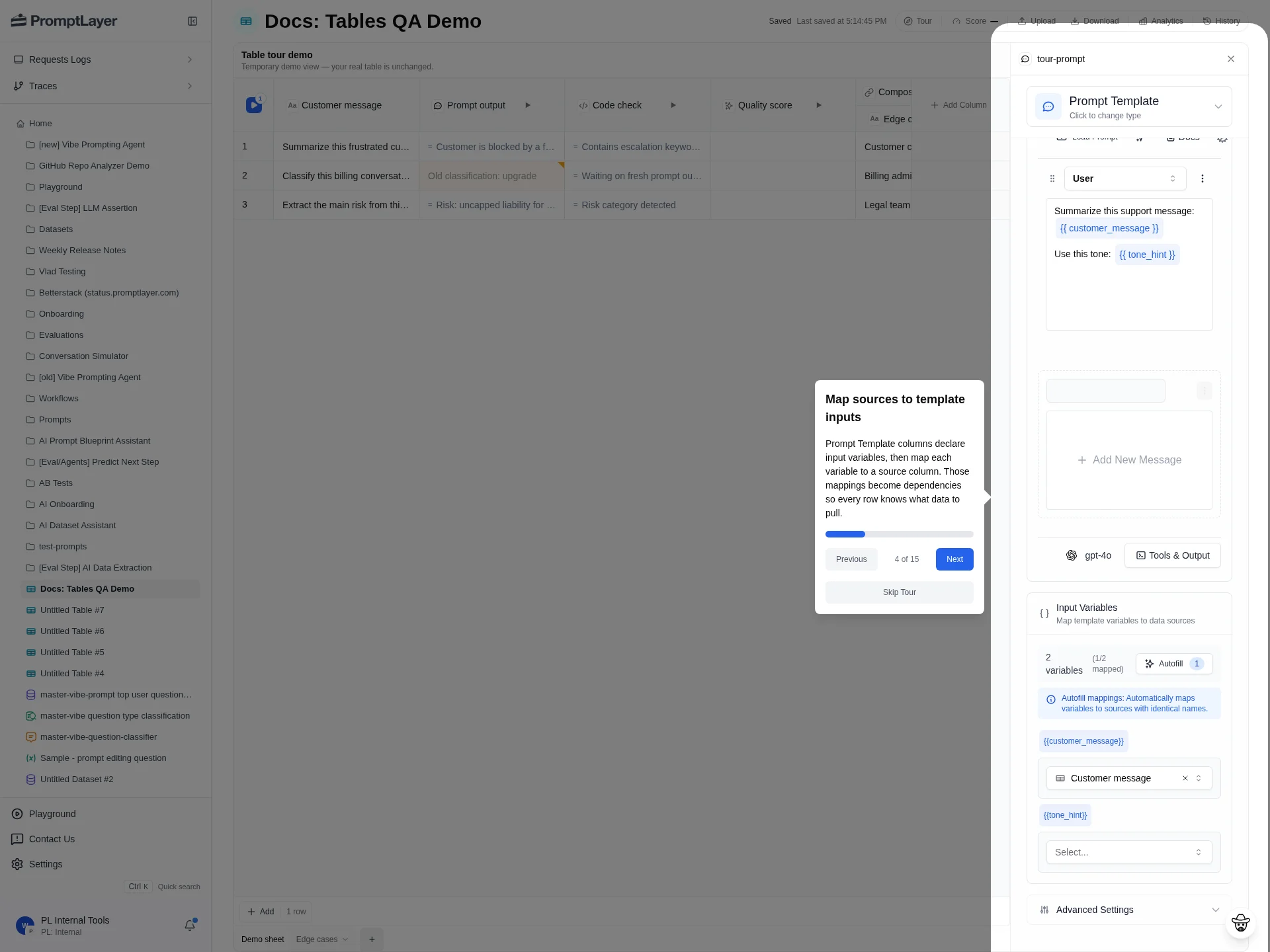
Filter and sort columns
Use Filter to narrow visible rows by column value. Use Sort ascending, Sort descending, and Clear sort to reorder or reset the grid.Pin, hide, resize, duplicate, and delete columns
Use column menu actions to manage grid layout:- Pin left or Pin right keeps important columns visible while scrolling.
- Hide removes a column from the visible grid without deleting it.
- Auto size column resizes a column to fit visible content.
- Duplicate copies a column when you want a similar configuration.
- Delete removes the column.
Run or stop a column
Use Run column when one computed step needs updating. If the column is queued, dispatched, or running, the menu can show Stop column.Use composition columns
Composition columns reference another sheet or table and pull values from a chosen source column. Use composition when multiple sheets should share a reusable intermediate result instead of copying logic into every sheet.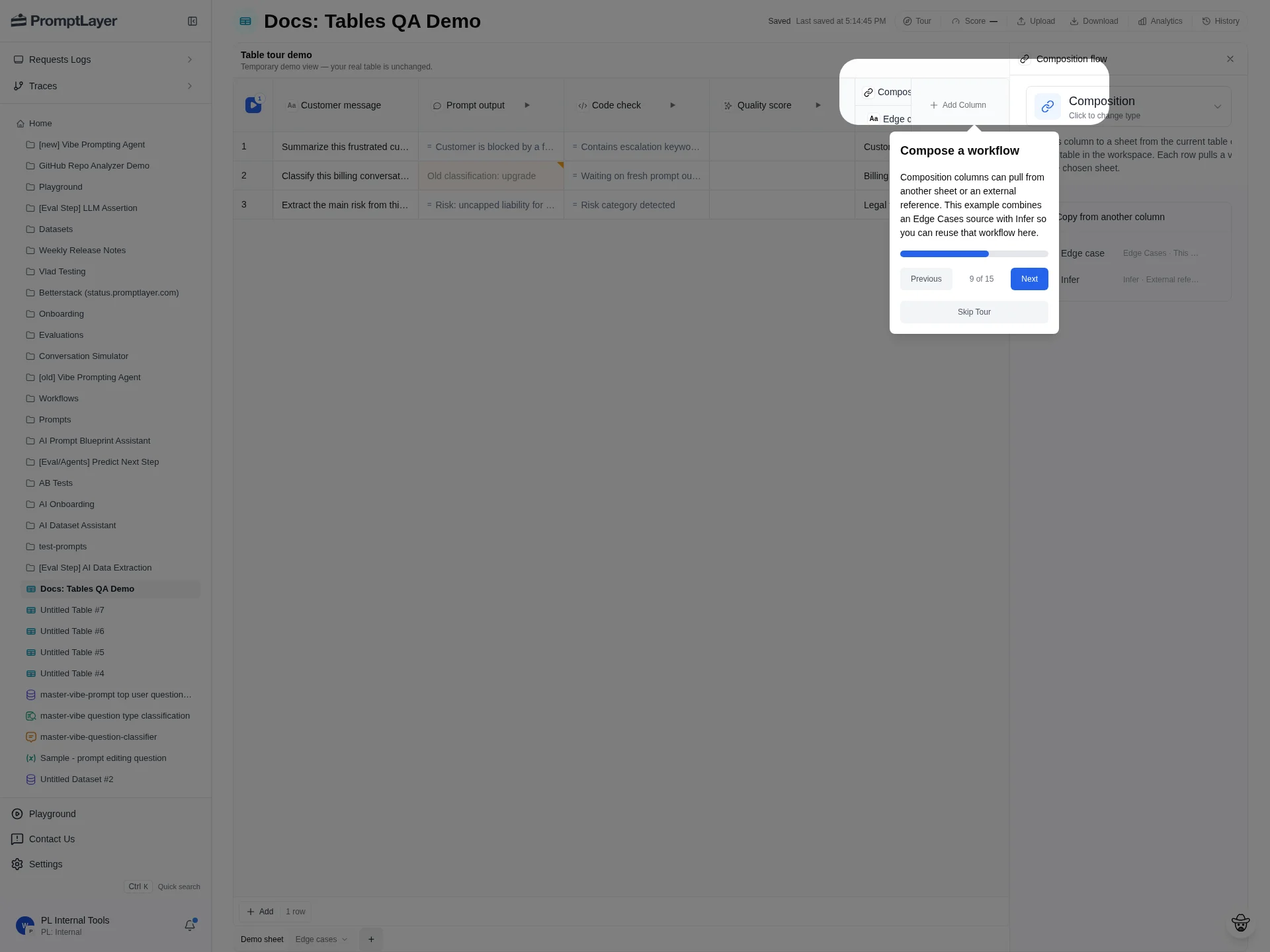
API references
Create column
Add a text or computed column to a sheet.
Update column
Update a column title, config, or dependencies.
List columns
List columns for a sheet.
Run operation
Queue work for a column, row, cell selection, or stale cells.