

Workspaces
Workspaces are collaborative environments within your organization where teams can:- Share prompt templates and evaluations
- Collaborate on projects
- Organize resources by team or project
- Maintain separate environments (dev, staging, production)
Creating a Workspace
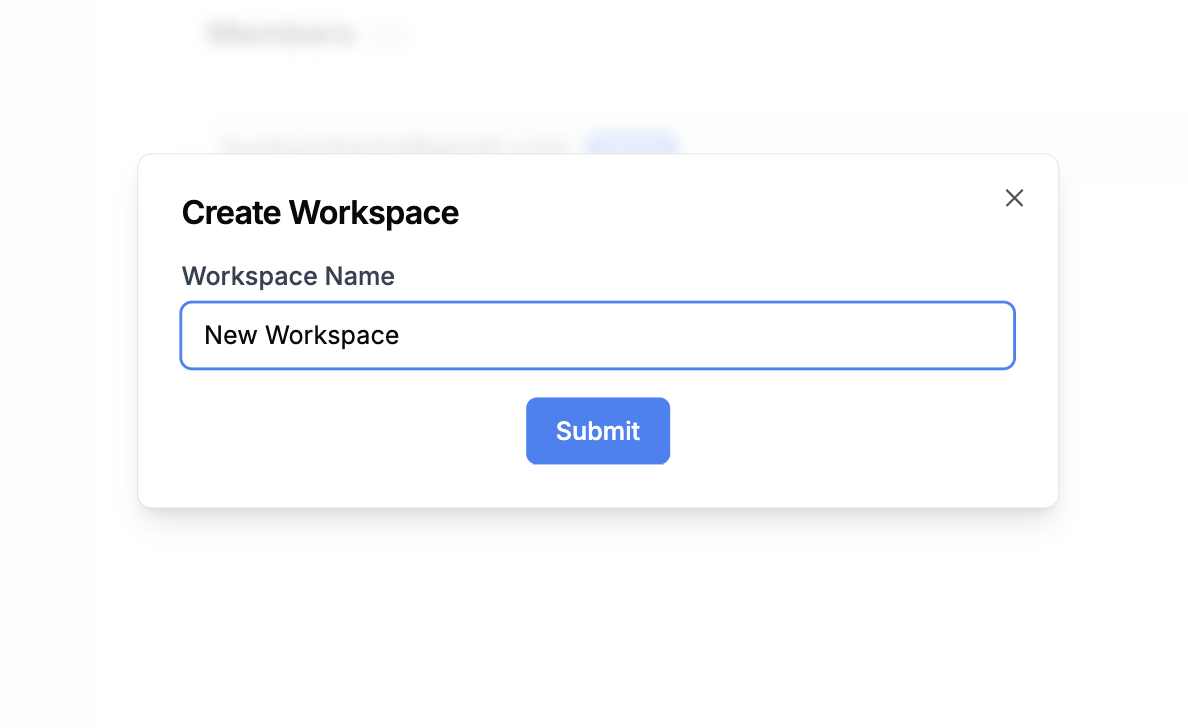
You can create a new workspace by clicking the ‘Create Workspace’ button from the workspace dropdown.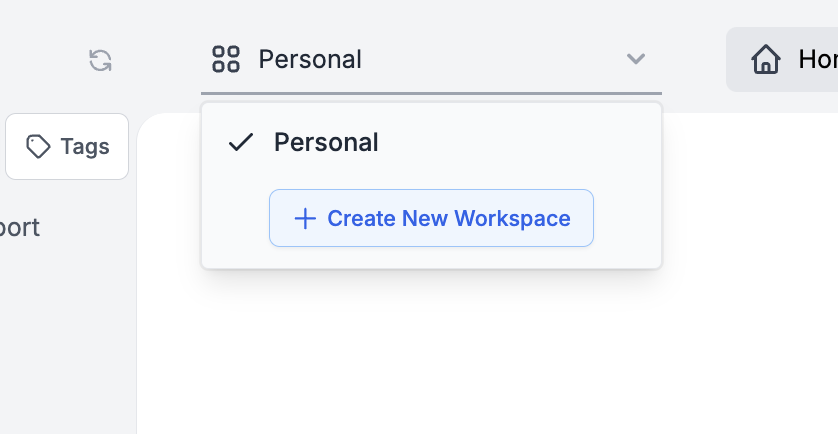
Workspace Management
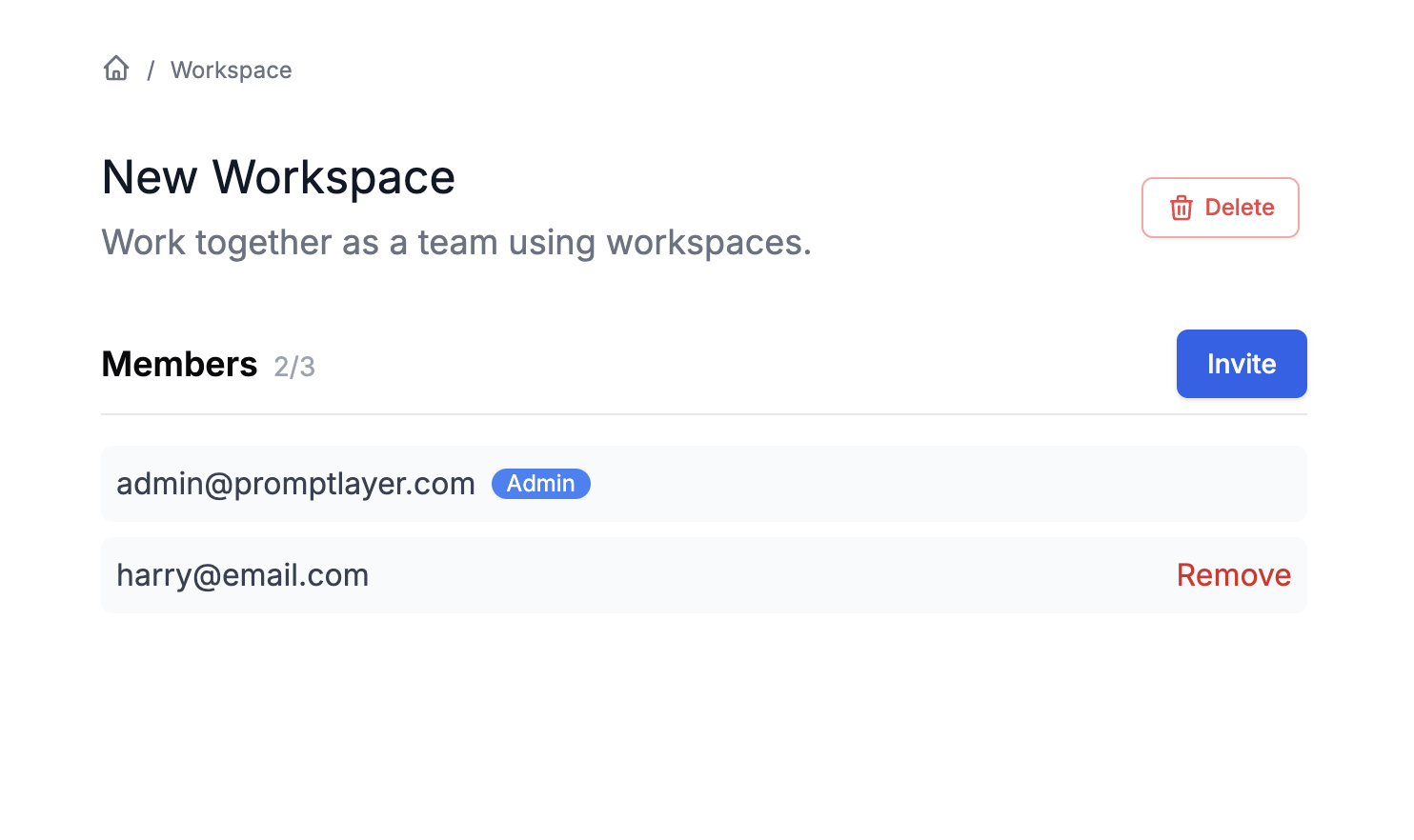
Upon creating a workspace, you’ll be designated as the workspace administrator. This role empowers you to:- Invite new members to the workspace
- Manage member permissions
- Remove members from the workspace
- Configure workspace-specific settings
- Delete the workspace if needed
Workspace Roles and Permissions
Each workspace supports granular permission control:- Workspace Admin: Full control over workspace settings and members
- Editor: Can create, edit, and delete resources within the workspace
- Viewer: Read-only access to workspace resources