

Documentation Index

Fetch the complete documentation index at: https://docs.promptlayer.com/llms.txt

Use this file to discover all available pages before exploring further.

Backtesting lets you run a new prompt version against real historical inputs. Use it when you want to understand how a prompt change would have affected production or staging traffic.

Create a historical dataset

Go to Datasets and click Add from Request History. This opens a request log browser where you can filter and select requests.
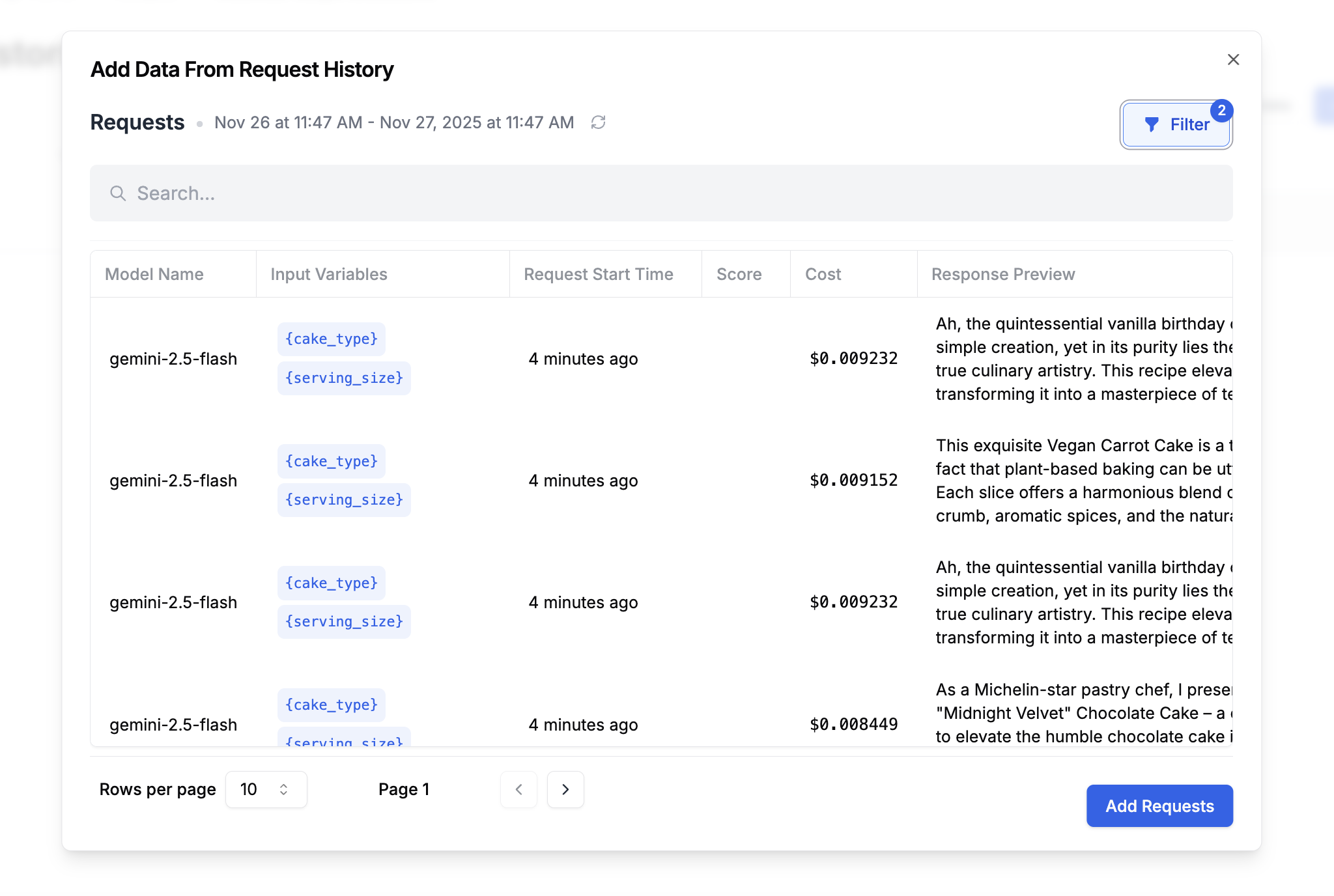
Adding from request history
Filter by prompt name, date range, metadata, score, tag, or request content. Select the requests you want and click Add Requests. The dataset captures the real inputs users sent, along with the outputs your current prompt produced.

Run a backtest

Create an evaluation that runs your new prompt version against the historical dataset. Add columns for:
  • New prompt output: The response from your updated prompt version
  • Comparison: An equality comparison, semantic similarity check, LLM-as-judge score, or human review column
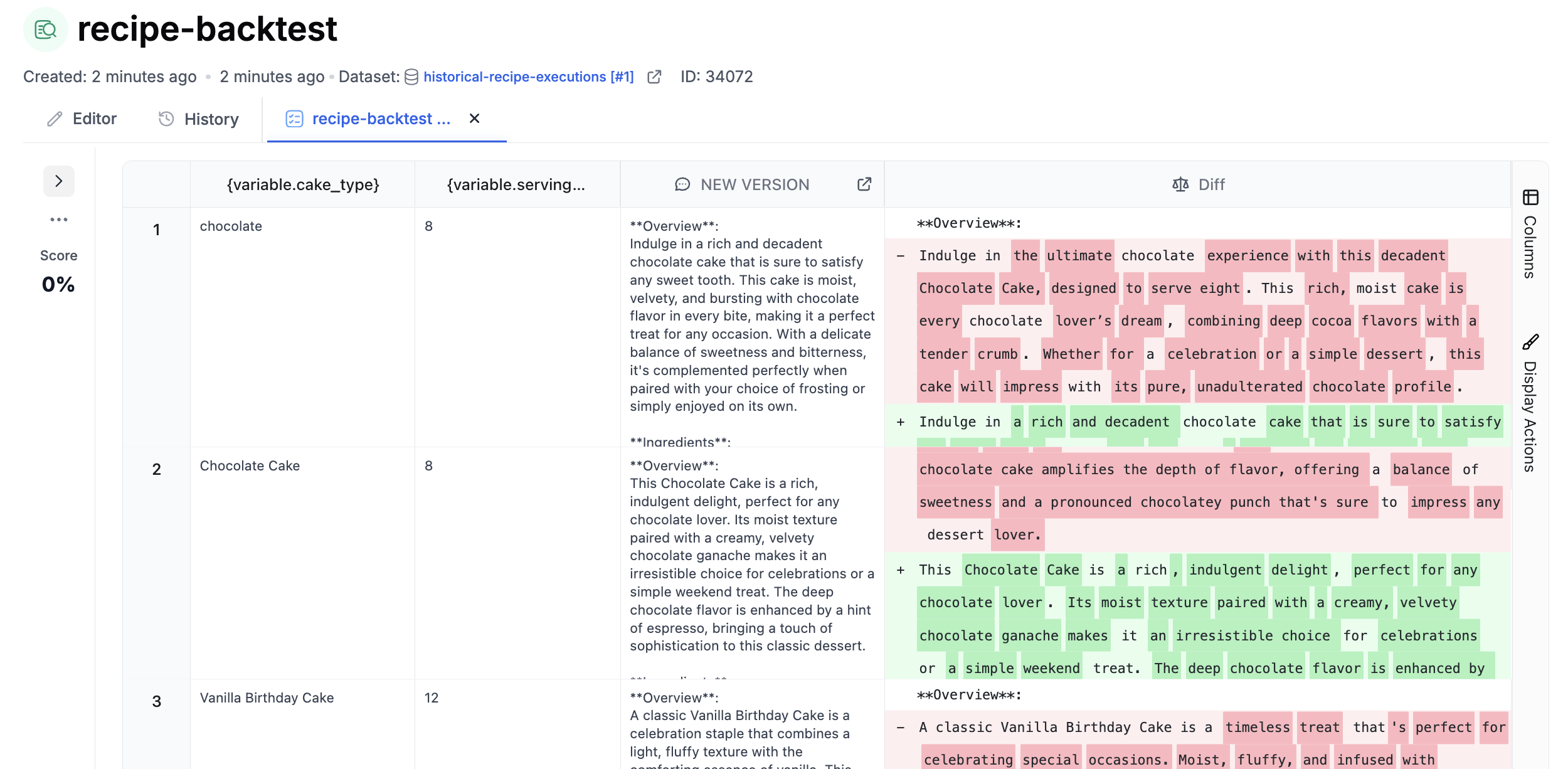
Backtest results
Review the differences before assigning a production release label to the new version.

Automate backtests

Attach the backtest evaluation to your prompt so it runs when you save a new version. This creates a regression check before the change reaches production. Learn more in Continuous Integration.

Next steps