

Share a public version
Open a saved Skill Collection version in the dashboard and click Share. PromptLayer opens a dialog where you can publish a public link and decide whether Remix should be available.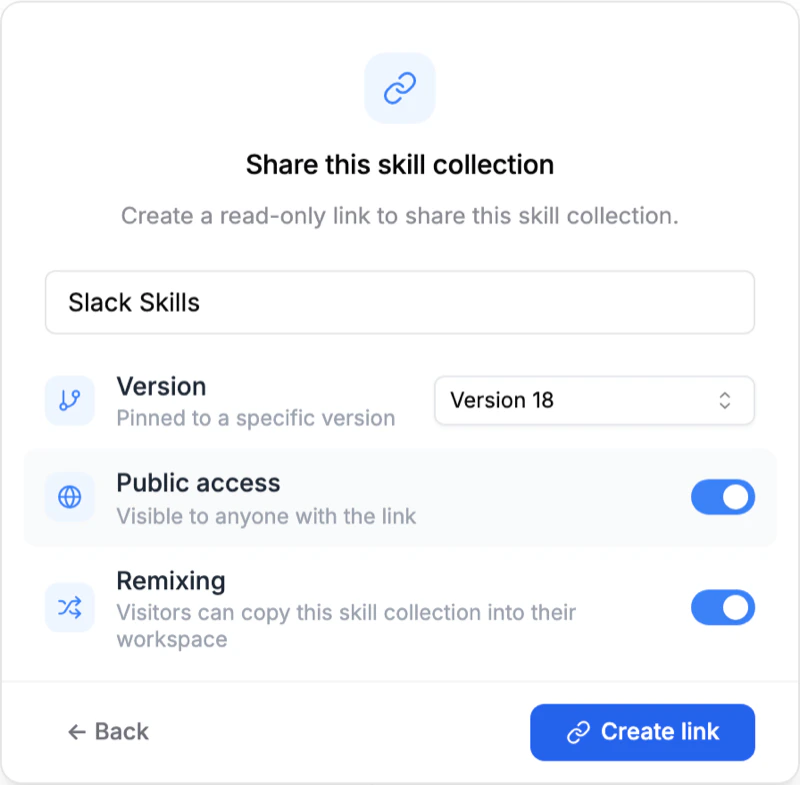
Shared pages are read-only. Viewers can browse the collection, download it as
a zip, and copy it, but they cannot edit the original collection in your
workspace.
What viewers see on the shared page
The public page shows the collection’s file tree and file contents so someone can understand the layout before they install or copy it.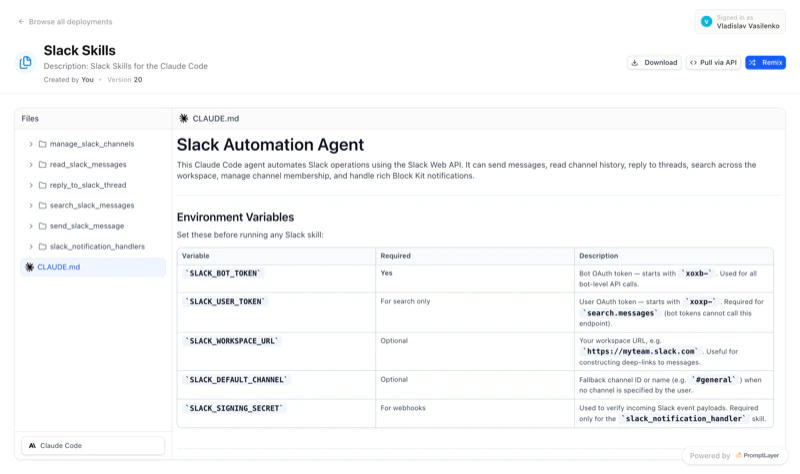
Let others remix your collection
If you enable Remix, people viewing the shared page can copy the collection into their own workspace and start editing from there.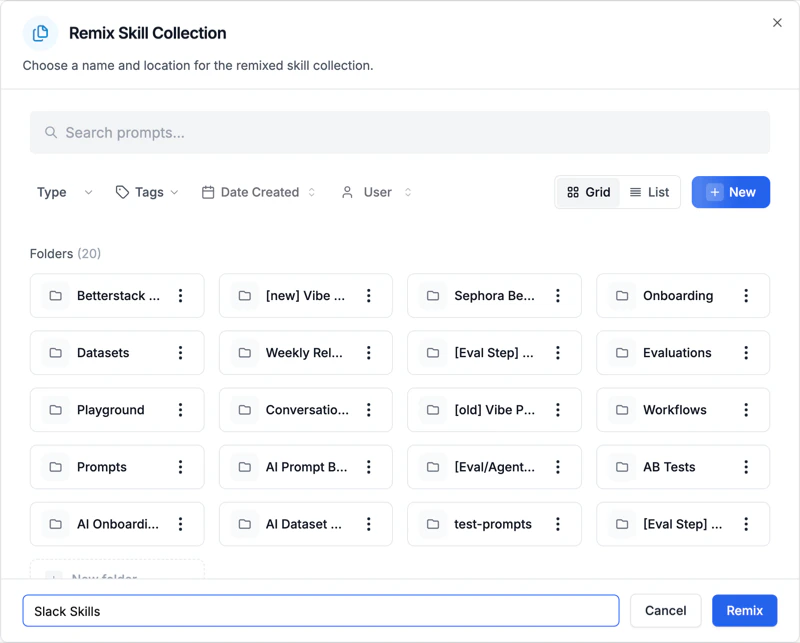
Typical use cases
- Publish an opinionated starter collection for new repositories.
- Share a reference agent setup that customers can adapt to their stack.
- Distribute internal best practices across teams without handing out workspace access.
- Pair public sharing with pinned pulls so downstream projects load a stable version.