

SKILL.md frontmatter or folder layouts yourself.
Where to find Wrangler
Open Wrangler from the floating widget in the bottom-right corner of the dashboard. Click the widget to expand the chat panel, then work from there when you need more room or want to keep Wrangler open while navigating the app.Mention a Skill Collection with @
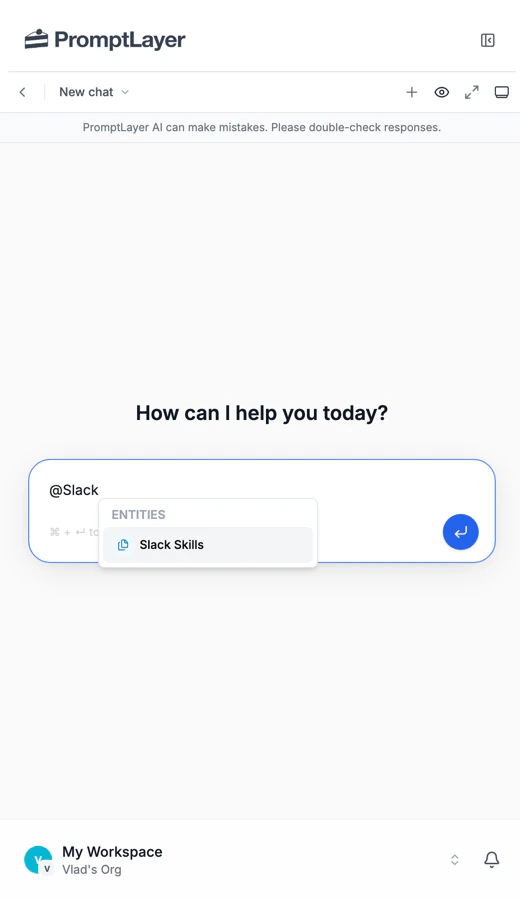
In the Wrangler chat input, type @ and choose a Skill Collection from the list. That attaches the collection as context so Wrangler can make precise edits or migrations against the right project.
Things you can ask Wrangler
- “Create a
support-skillscollection with a triage skill for my team.” - “Add an
escalationskill that handles urgent tickets.” - “Rename every skill in
@support-skillsto kebab-case.” - “Migrate
@support-skillsfrom Claude Code to Codex.” - “Move
@support-skillsto OpenClaw and populate the workspace files.”