> ## Documentation Index
> Fetch the complete documentation index at: https://docs.promptlayer.com/llms.txt
> Use this file to discover all available pages before exploring further.
# Playground
The Playground is a native way to create and run new LLM requests all through PromptLayer. Your run history will be tracked in the sidebar. The Playground is most useful as a tool to "replay" and debug old requests.
## Replay requests
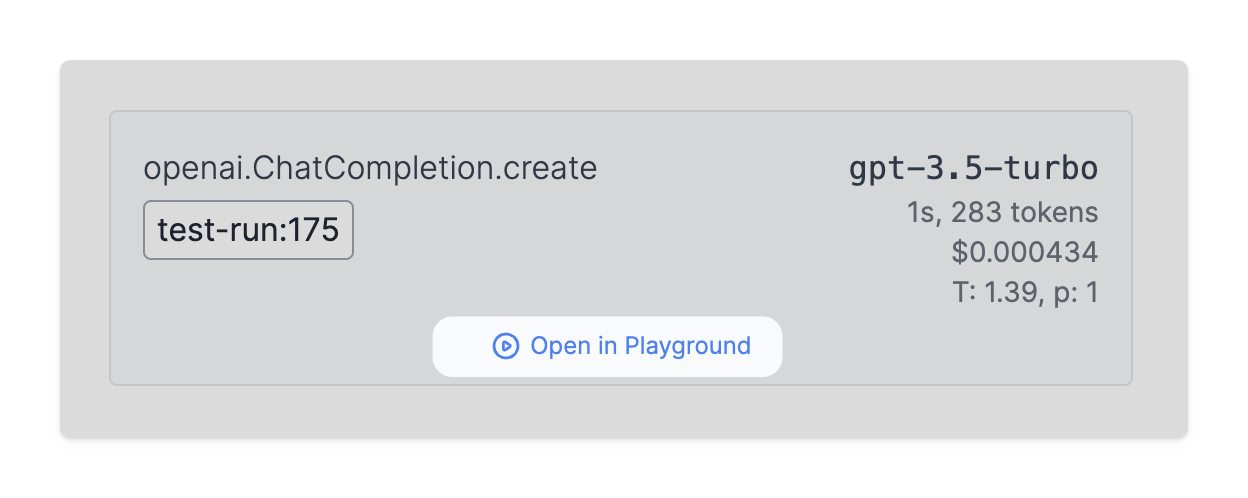
The Playground allows PromptLayer users to rerun previous LLM requests. Simply click "Open in Playground" on any historical request.
## OpenAI Tools
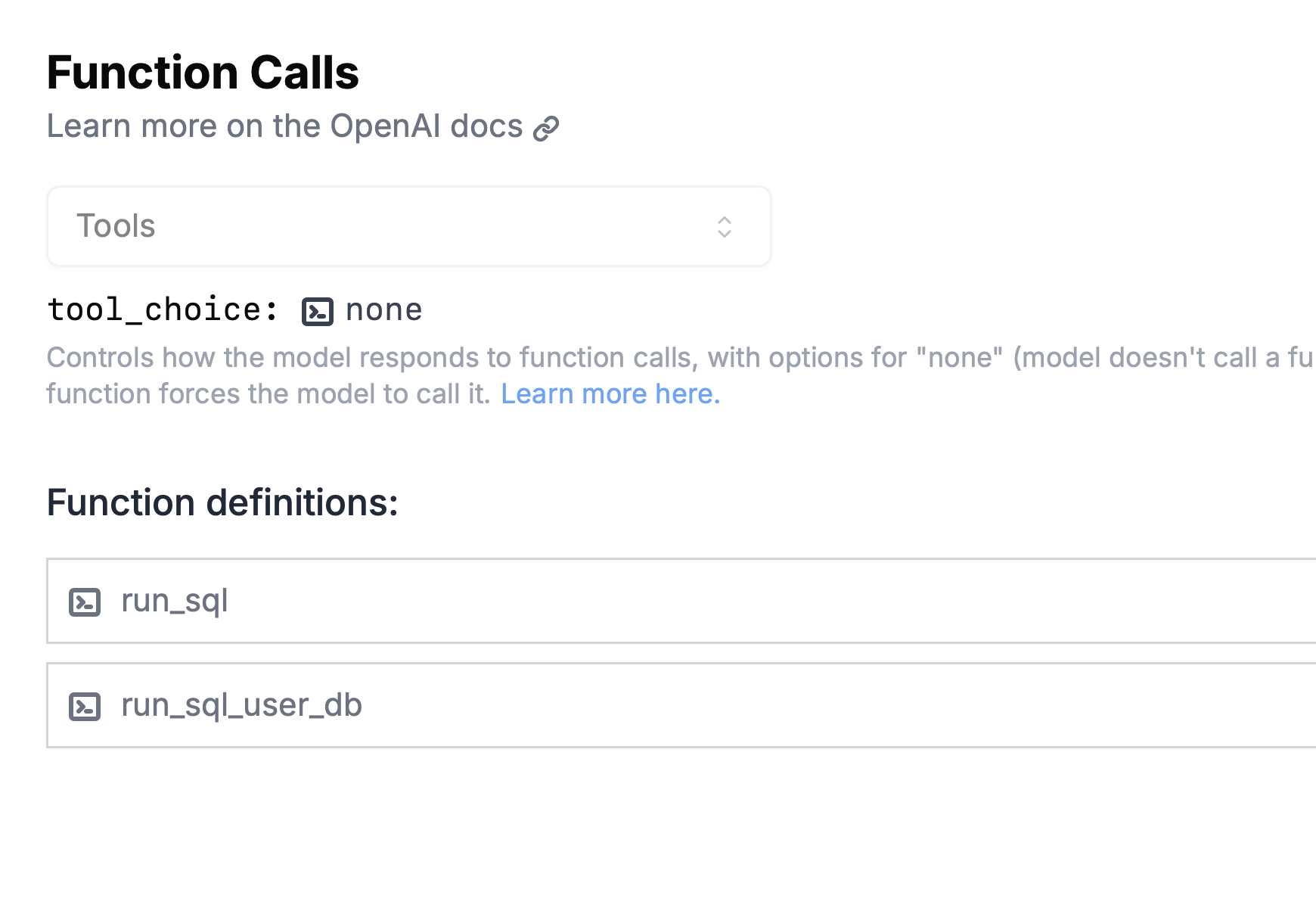
The Playground fully supports [OpenAI function calling](https://platform.openai.com/docs/guides/function-calling). These tools can be accessed directly from the Playground interface and can be incorporated into your requests as needed. *Not even OpenAI's playground does this 👀*
## Image Generation
The Playground supports image generation across multiple providers:
* **OpenAI Images API** — Select "Images API" in the API dropdown to use models like `gpt-image-1`, `dall-e-3`, and `dall-e-2`. Write a text prompt and receive generated images directly in the output.
* **OpenAI Responses API** — Add the `image_generation` built-in tool to let the model generate images during a conversation.
* **Google Gemini** — Select a Gemini image model (e.g., `gemini-2.5-flash-image`) to generate images natively within chat responses.
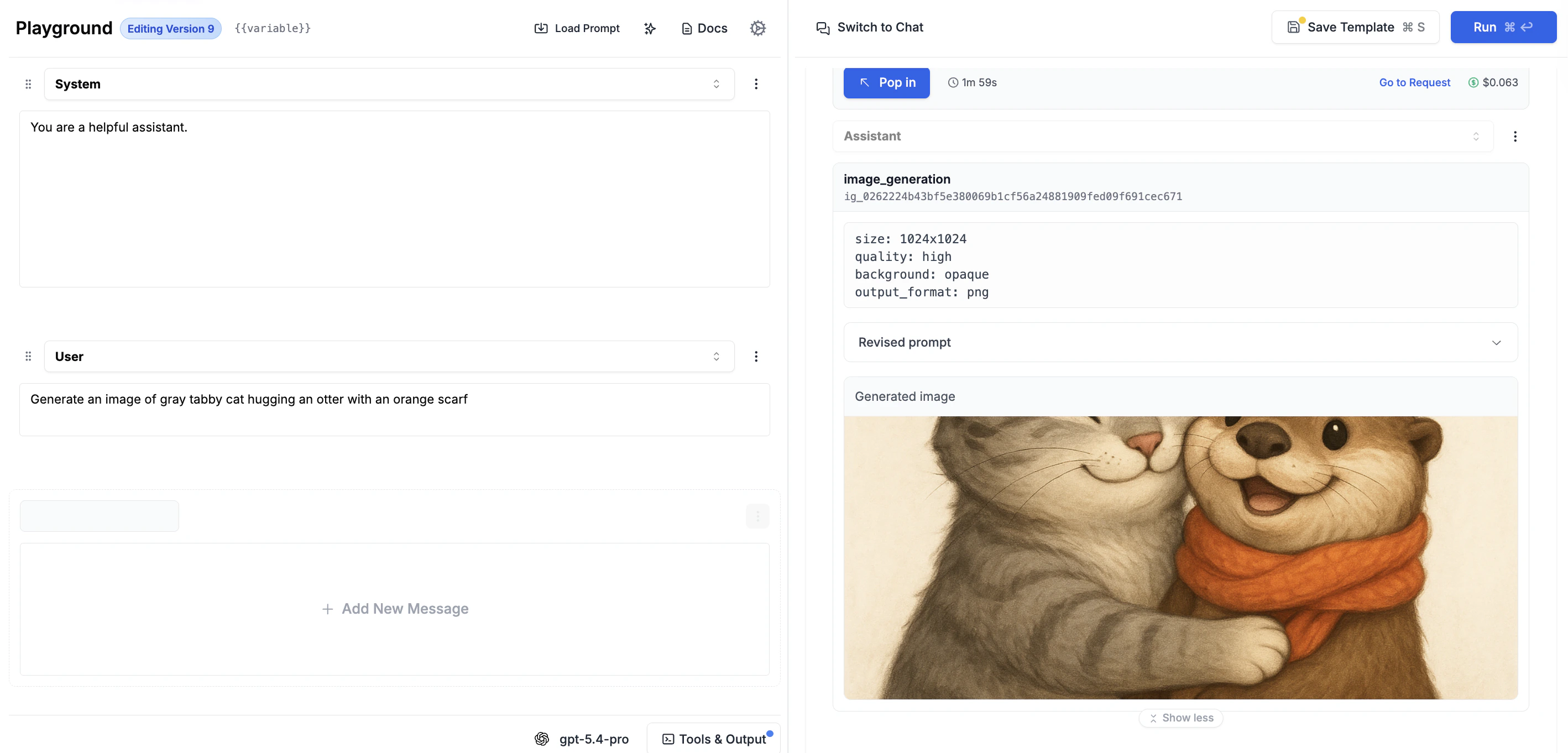
Generated images are displayed with a rich card showing generation parameters, the revised prompt (when available), and the image itself. See the full [Image Generation guide](/features/image-generation) for details.
 ## Custom models
The Playground also supports the use of custom models for LLM requests. This means you can use a fine-tuned model or a dedicated OpenAI instance.
## Custom models
The Playground also supports the use of custom models for LLM requests. This means you can use a fine-tuned model or a dedicated OpenAI instance.