> ## Documentation Index
> Fetch the complete documentation index at: https://docs.promptlayer.com/llms.txt
> Use this file to discover all available pages before exploring further.
# Sheets
> Import data, manage sheet tabs, add rows, and scope Table work by sheet.
A sheet is a tab inside a Table. Each sheet has its own rows, columns, scoring, version history, and analytics.
Use multiple sheets when related workflows belong together but need different inputs, columns, or test cases. For example, keep a main regression sheet, edge cases, and migration work in the same Table.
## Sheet anatomy
A sheet contains:
| Part | Purpose |
| ----------------------- | ----------------------------------------------------------------------------- |
| **Rows** | Examples, request logs, test cases, or batch items. |
| **Text columns** | Editable inputs, labels, expected outputs, metadata, and notes. |
| **Computed columns** | Prompt, code, assertion, extraction, comparison, composition, or helper work. |
| **Score configuration** | The scoring rules for the current sheet. |
| **History** | Saved versions and score history for the sheet. |
| **Analytics** | Request-level analytics scoped to the current Table and sheet. |
 ## Add rows manually
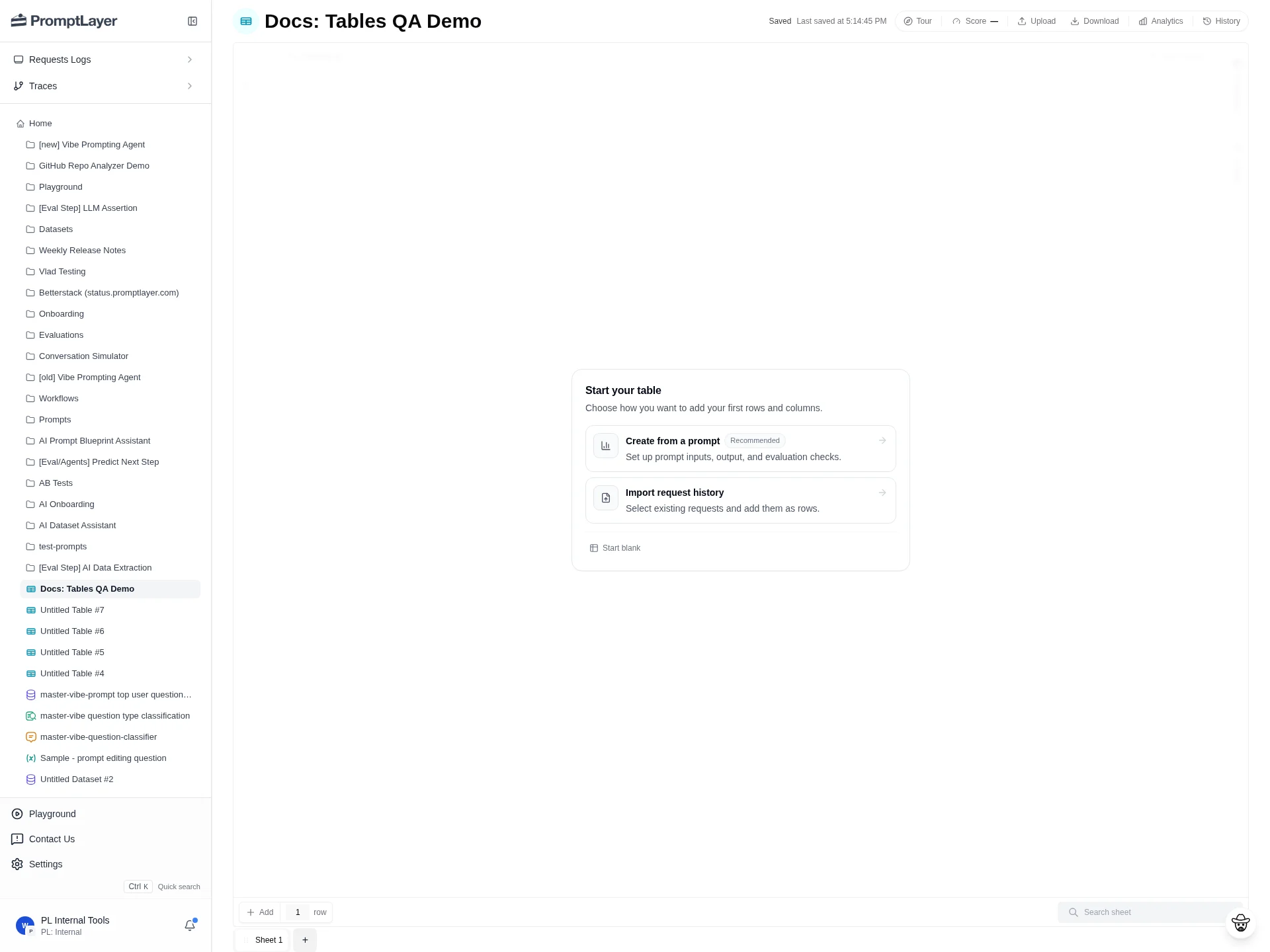
Each row is one item to run through the sheet. Use the row control at the bottom of the grid to add rows, then fill the input text columns.
## Add rows manually
Each row is one item to run through the sheet. Use the row control at the bottom of the grid to add rows, then fill the input text columns.
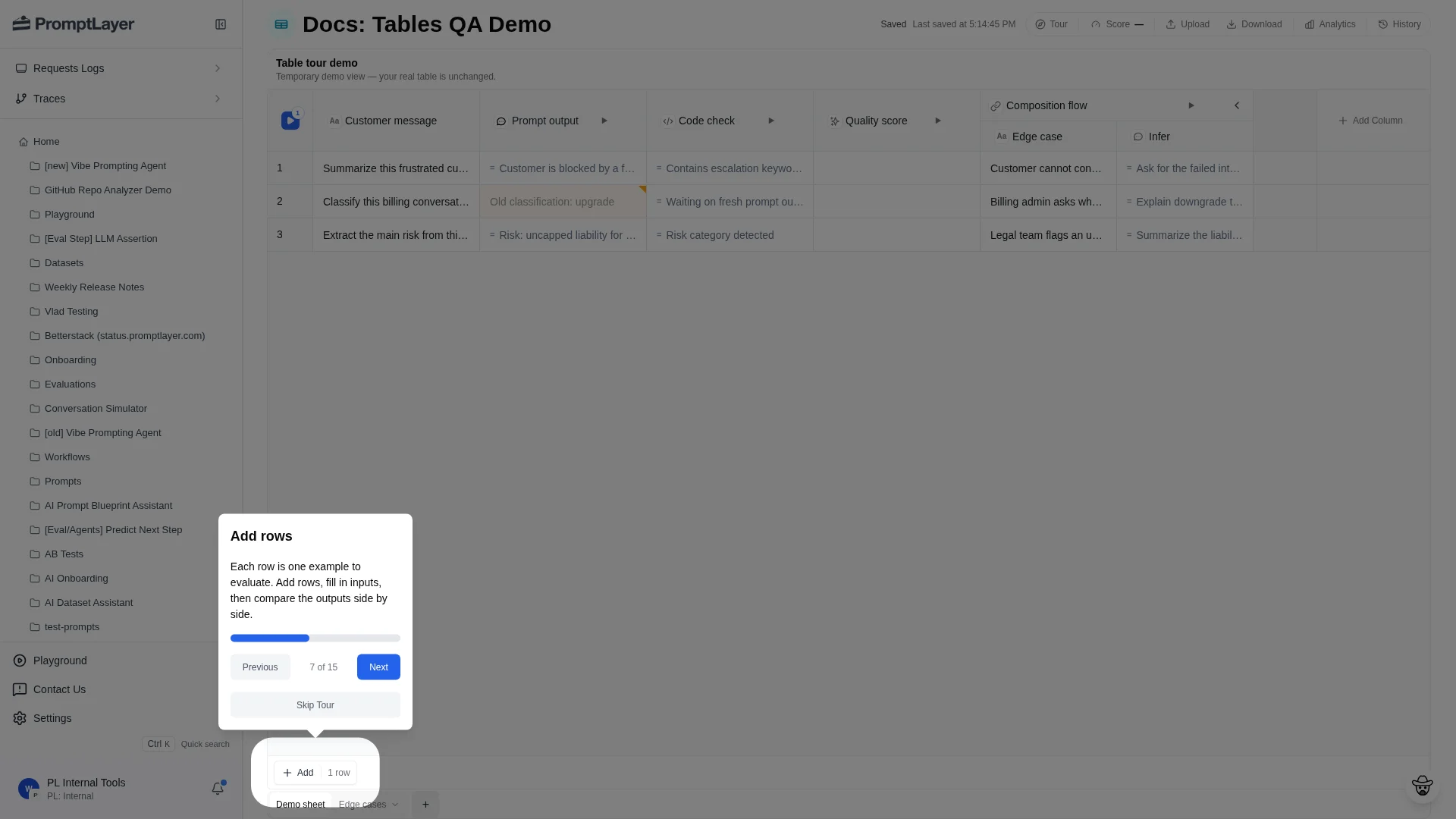 Manual rows are useful for small test sets, edge cases, and examples you want to type or paste directly into the sheet.
## Upload data
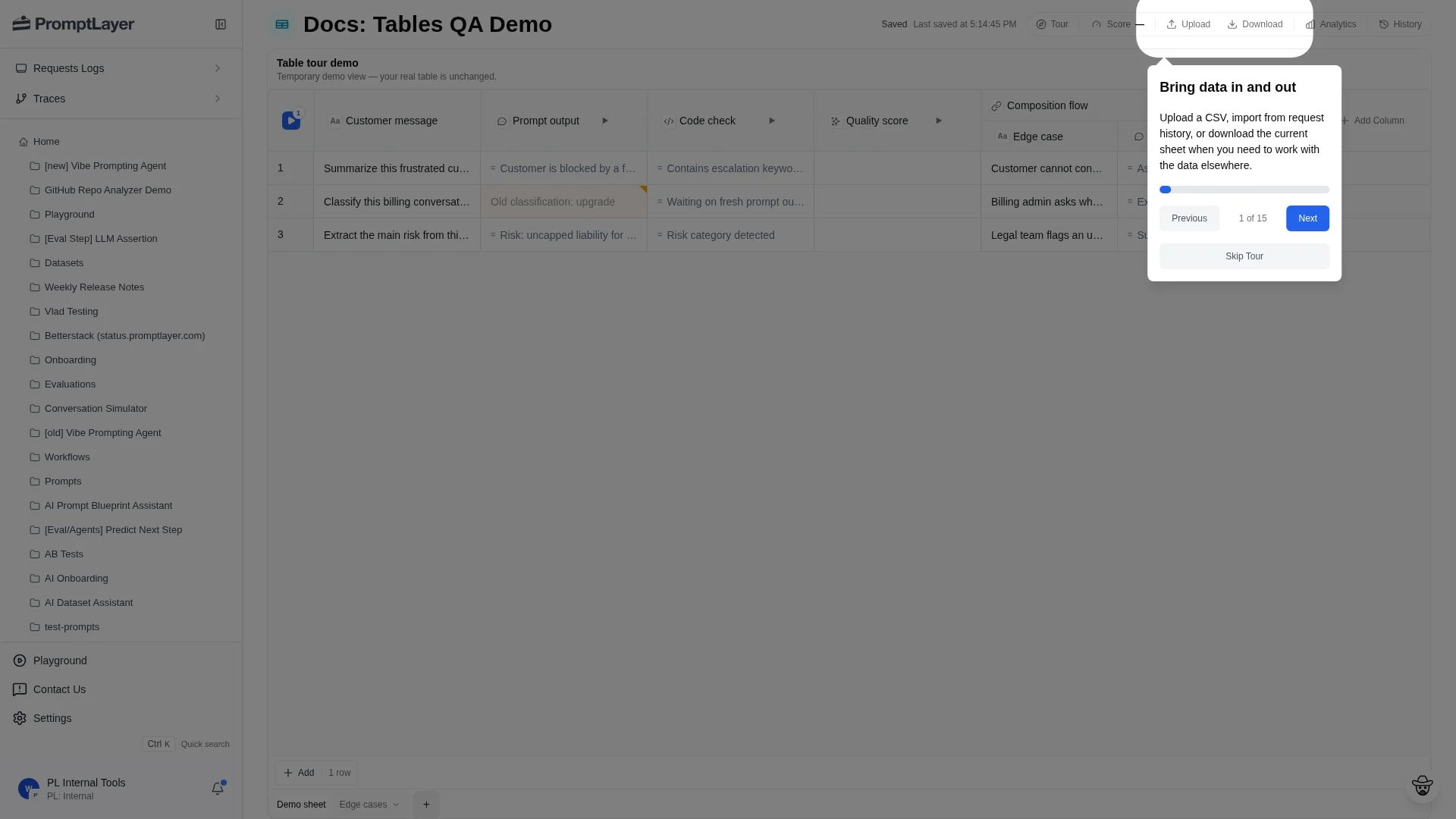
Use **Upload** when your rows already exist outside PromptLayer. Upload a CSV from your computer or import logged requests from request history.
Manual rows are useful for small test sets, edge cases, and examples you want to type or paste directly into the sheet.
## Upload data
Use **Upload** when your rows already exist outside PromptLayer. Upload a CSV from your computer or import logged requests from request history.
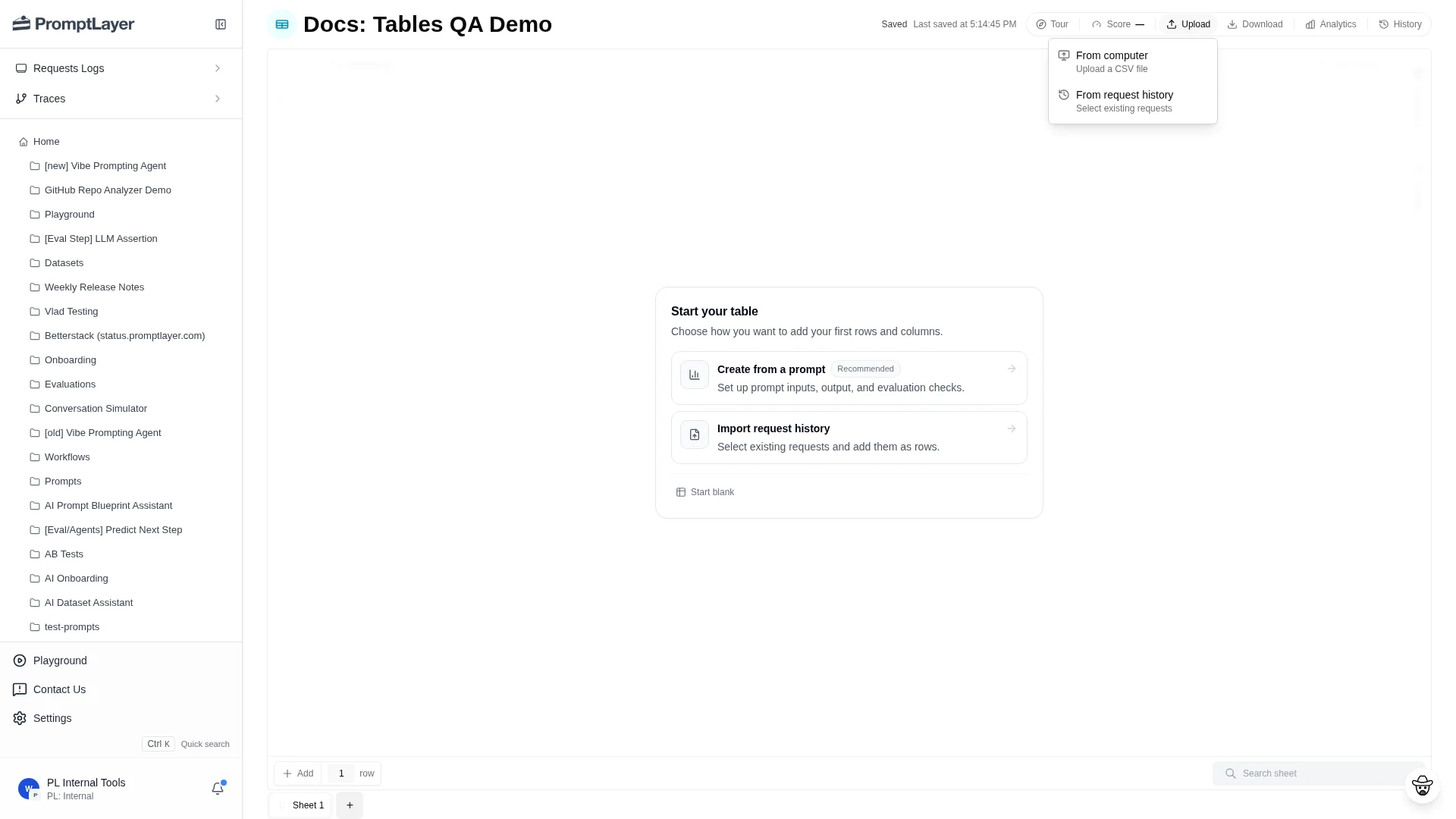 After import, add computed columns and scoring in the same sheet.
## Import request history
Choose **Upload** then **From request history** to open the request import dialog.
After import, add computed columns and scoring in the same sheet.
## Import request history
Choose **Upload** then **From request history** to open the request import dialog.
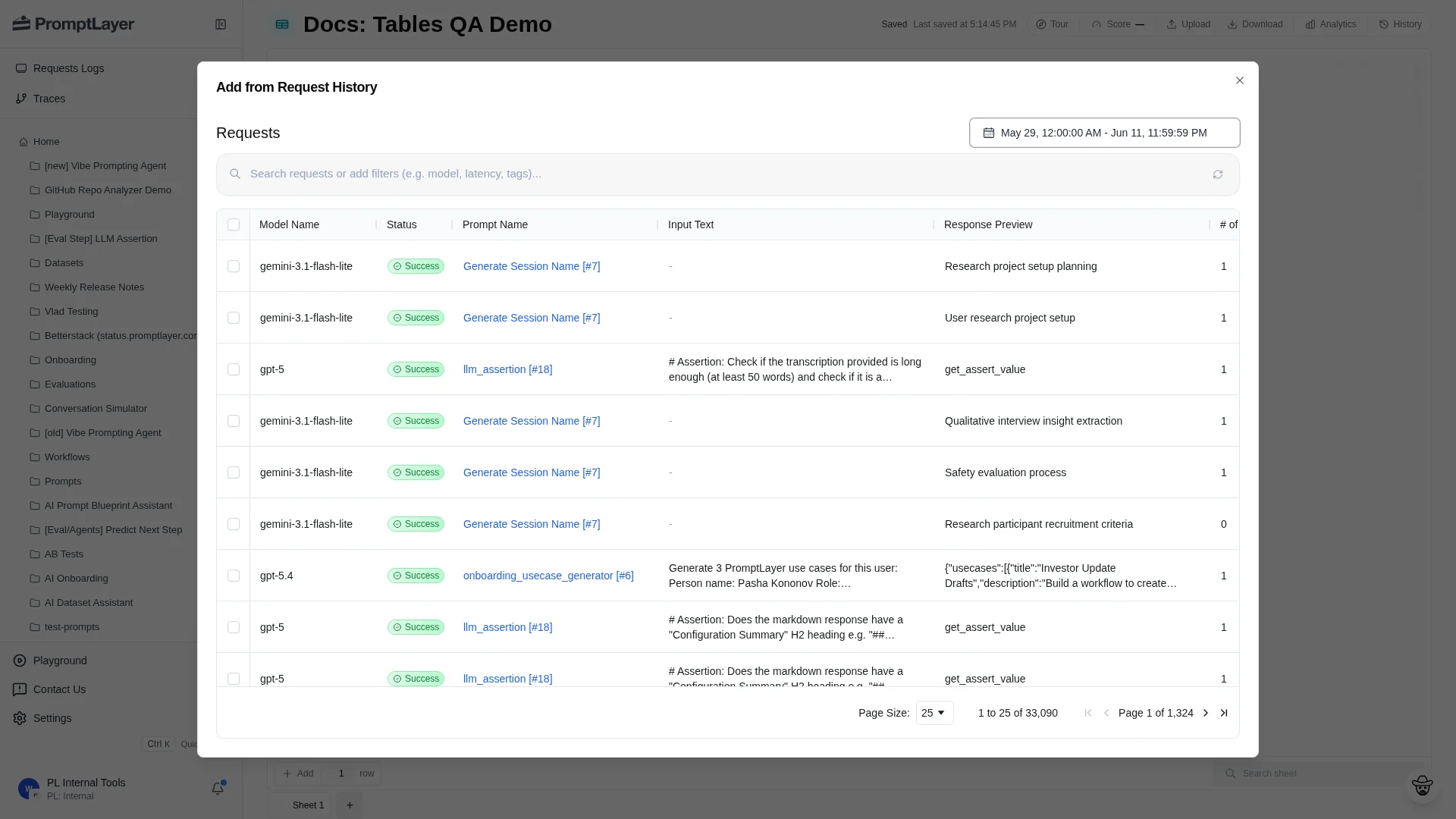 Each selected request becomes a row. Use request-history imports to evaluate real traffic, build datasets from production behavior, or replay previous requests through new columns.
## Download a sheet
Click **Download** in the toolbar to export the current sheet for external review, offline analysis, or a point-in-time snapshot.
Each selected request becomes a row. Use request-history imports to evaluate real traffic, build datasets from production behavior, or replay previous requests through new columns.
## Download a sheet
Click **Download** in the toolbar to export the current sheet for external review, offline analysis, or a point-in-time snapshot.
 ## Use multiple sheets
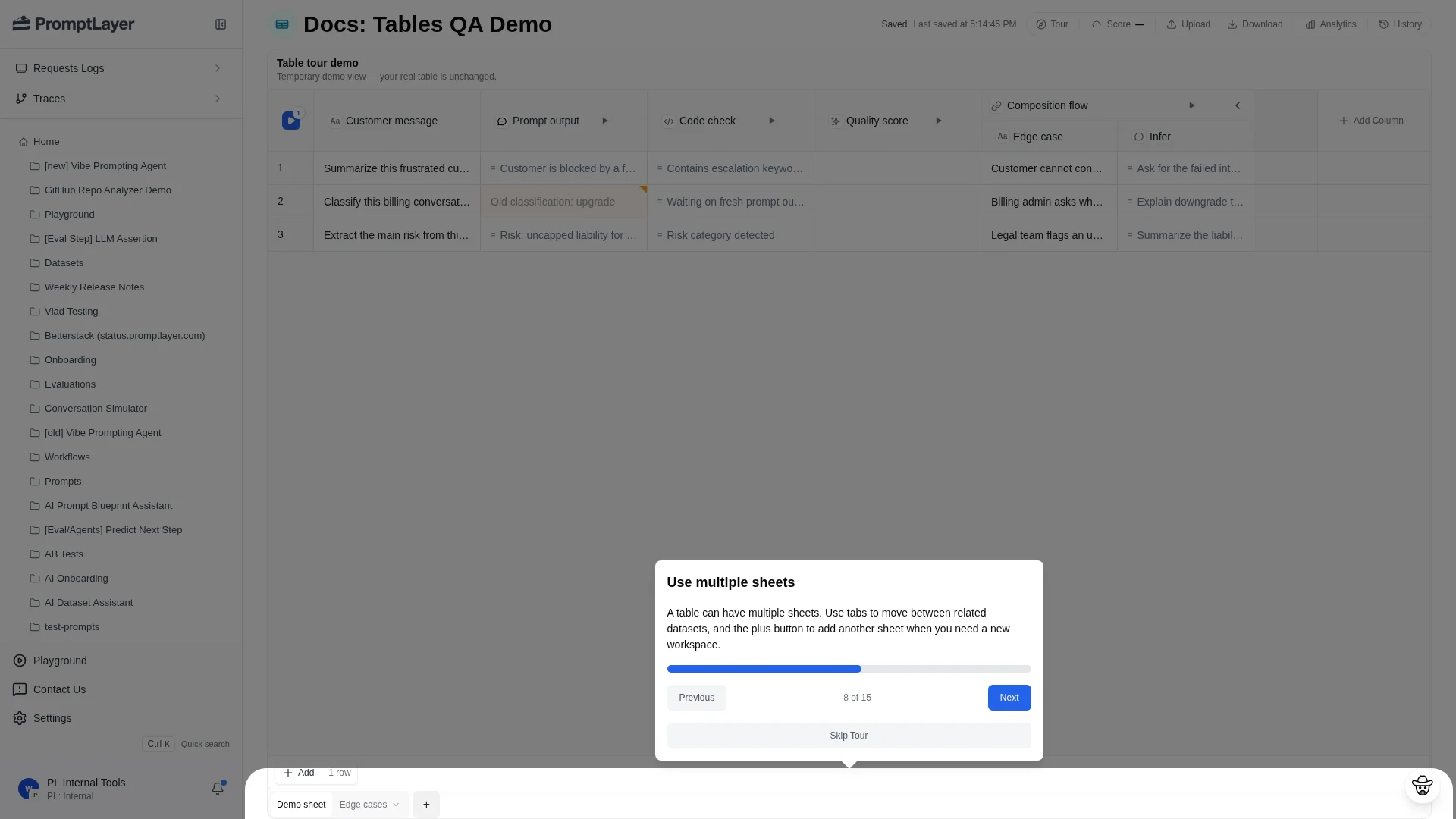
Use the sheet tabs at the bottom of the Table to move between sheets. Each sheet can have different rows, columns, scoring, and history.
## Use multiple sheets
Use the sheet tabs at the bottom of the Table to move between sheets. Each sheet can have different rows, columns, scoring, and history.
 Use separate sheets for:
* Main regression set versus edge cases.
* Different task families in the same product area.
* Prompt variants that need different inputs.
* Migration work where the old and new workflows should stay near each other.
* Intermediate sheets that feed composition columns.
## API references
Add a sheet to a Table.
List the sheets in a Table.
Add rows to a sheet programmatically.
Add logged requests to a sheet.
Use separate sheets for:
* Main regression set versus edge cases.
* Different task families in the same product area.
* Prompt variants that need different inputs.
* Migration work where the old and new workflows should stay near each other.
* Intermediate sheets that feed composition columns.
## API references
Add a sheet to a Table.
List the sheets in a Table.
Add rows to a sheet programmatically.
Add logged requests to a sheet.